Bluetooth and RF (Radio Frequency), Which is Better?
Contents
Which is better Bluetooth or RF (radio frequency)?
Wireless connectivity technology, aka wireless, for various electronic equipment, is based on Bluetooth technology and radio frequency or RF.
Maybe many of us still don't know the difference between Bluetooth and RF.
These two connection technologies are commonly used as short-range wireless links, using the unlicensed 2.4 GHz frequency wave which is intended for industrial use.
So what is the difference between Bluetooth and RF, and which is better? Following are the differences between Bluetooth and RF as well as their advantages and disadvantages.
Understanding Bluetooth
Bluetooth technology is a short-range communication system intended to replace cables for connecting portable or fixed electronic devices and is included in the IEEE standards.
Bluetooth allows short-range data exchange (using UHF radio waves in the ISM band 2.4-2.485GHz). We can use the Bluetooth module to pair two devices via Bluetooth wireless connection.
Understanding RF
RF refers to the use of radio frequency waves to transmit data wirelessly over short distances and can include other types of wireless technology beyond Bluetooth (e.g. WiFi, satellite communications, etc.).
Radiofrequency (RF) is a measurement that represents the rate of oscillation of the spectrum of electromagnetic radiation, or electromagnetic radio waves, from frequencies ranging from 300 gigahertz (GHz) to as low as 9 kilohertz (kHz).
With the use of antennas and transmitters, RF fields can be used for various types of broadcasting and wireless communications.
The Main Differences Between Bluetooth and RF
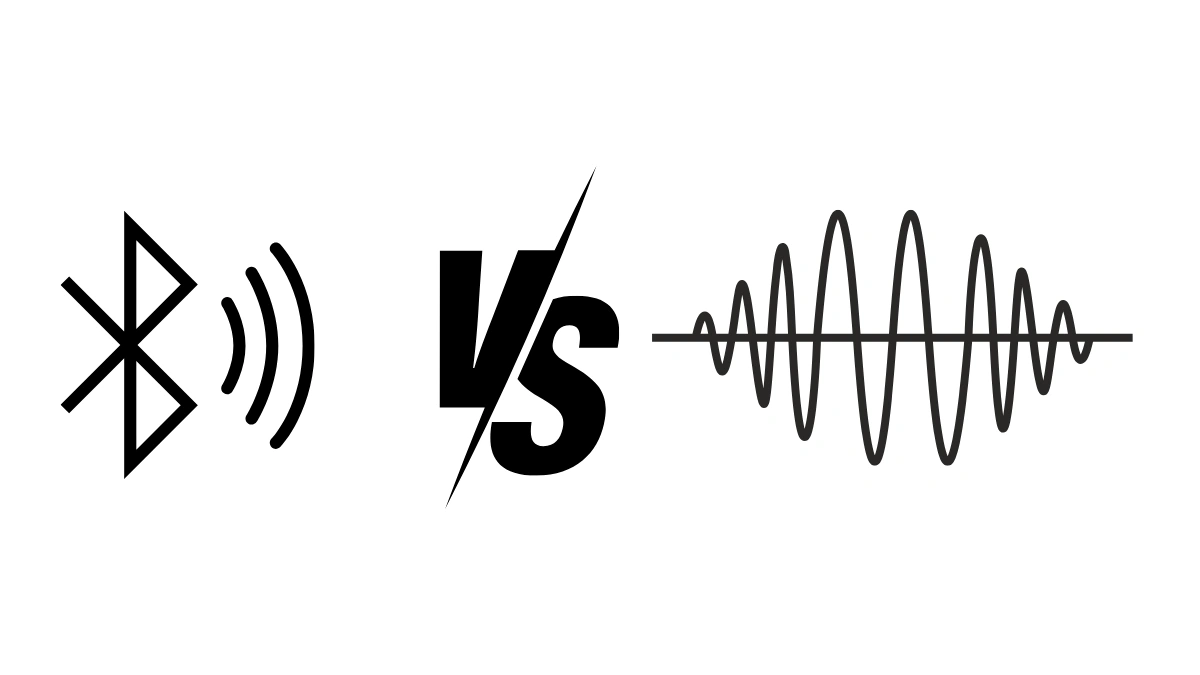
| - | Radio Frequency | Bluetooth |
|---|---|---|
| Reach | Can be more than 30 meters (with DECT technology) | About 10 meters |
| Data transfer speed | Up to 11 Mbps | Up to 2Mbps |
| Application | Using a USB receiver | Bluetooth built in feature |
| Use for gaming equipment | Mouse, keyboard, gamepad | Headset, speaker portables |
1. Differences in Characteristics
Bluetooth is a type of RF (Radio Frequency) technology that specifically operates in the 2.4GHz ISM (Industrial, Scientific, and Medical) band.
Bluetooth is an open wireless technology standard used to transmit data over short distances, typically up to 33 feet for Class 2 Bluetooth devices. RF, on the other hand, refers to the use of radio waves for wireless communications.
2. Difference in Frequency Range
Bluetooth uses short-wavelength UHF radio waves with a frequency range between 2.4 and 2.485 GHz. Radio frequencies (RF) range from 300 gigahertz (GHz) to as low as 9 kilohertz (kHz).
So, Which One Should You Choose?
Here's the thing. There is no single answer for everyone. Bluetooth and RF are not really rivals. Bluetooth is a type of RF technology. The question is which one fits your needs better.
Let's look at it from a few practical situations.
1. If You Want Fewer Cables and No Extra Receiver
Choose Bluetooth. Most laptops, phones, and tablets already have Bluetooth built in. You only need to pair the device, and it is ready to use. No USB receiver to lose in your bag.
2. If You Need a Longer Reach
Choose RF with a USB receiver. As shown in the table above, RF can reach more than 30 meters, while Bluetooth is about 10 meters. This is useful for presentations or for a living room setup.
3. If You Play Games
Many gaming mice, keyboards, and gamepads use RF with a USB receiver. The table above also shows a higher data transfer speed for RF. For gamers, a quick response is everything.
4. If You Listen to Music on the Go
Headsets and portable speakers commonly use Bluetooth. It connects directly to your phone, so you can move around freely without carrying anything extra.
Tips Before Buying a Wireless Device
- Check what connection your laptop or phone already supports.
- Think about the distance between you and the device during use.
- Ask yourself whether you are willing to keep a USB receiver plugged in.
- Read the product description carefully, so you know whether it uses Bluetooth, RF, or both.
Simple, right? Once you know how you will use the device, the choice becomes much easier.
Frequently Asked Questions
Is Bluetooth the same as RF?
Bluetooth is a type of RF technology that operates in the 2.4 GHz ISM band. RF itself is a broader term for radio waves used in wireless communications.
Why do both use 2.4 GHz?
Both are commonly used as short-range wireless links using the unlicensed 2.4 GHz frequency.
How far can Bluetooth reach?
Based on the table above, about 10 meters. Class 2 Bluetooth devices typically reach up to 33 feet.
Which is faster?
Based on the table above, RF can reach up to 11 Mbps, while Bluetooth is up to 2 Mbps.
So, which is better? The one that fits how you use it. That's the honest answer.
If you are still unsure, look at the devices you already own. If most of them have Bluetooth built in, a Bluetooth device will feel natural. If you often use your device from across the room, an RF device with a USB receiver might suit you better.
Overall, Bluetooth and RF are both wireless communication technologies that offer different benefits and can be used in different applications.