
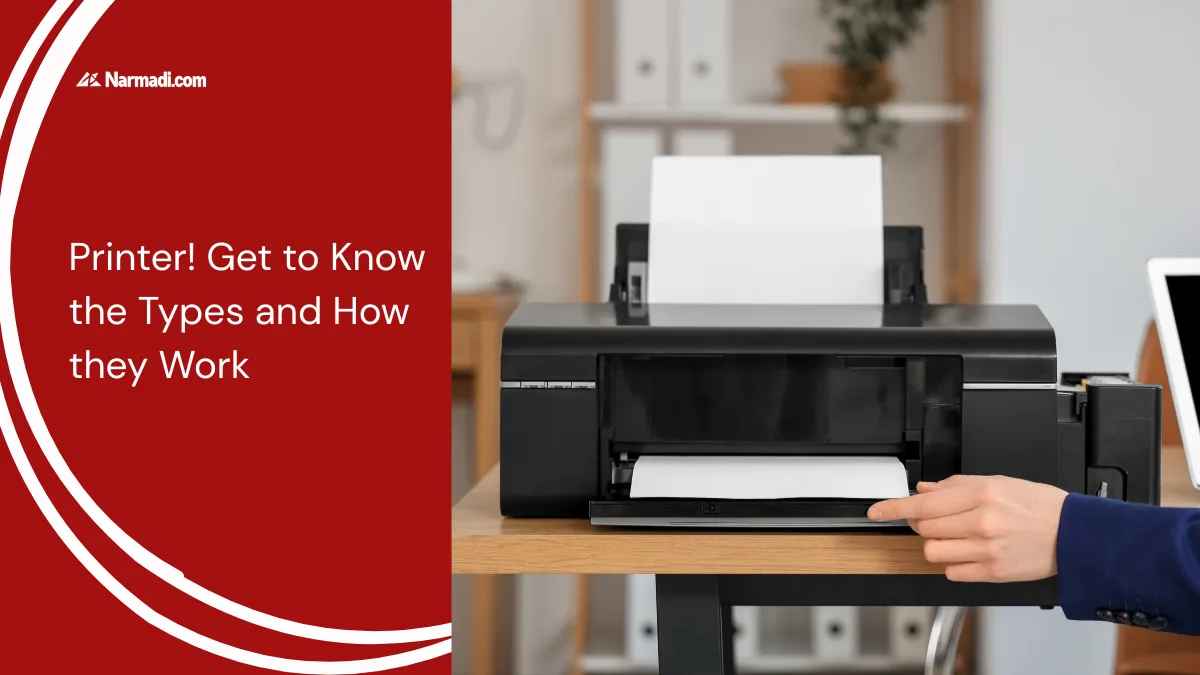

The need to print something is currently increasing. It is no surprise that printers have become a necessity in households, offices, and businesses.
Everyone’s needs in using printers vary according to their requirements, ranging from personal needs to large-scale printing needs.
This article will provide a comprehensive review of printers, from their definition and how they work to the types available according to needs and regulations on their use in Indonesia.
What is a Printer?
A printer is an electronic device used to convert digital data, such as documents, photos, or images, into a physical form. The capabilities of a printer are not limited to converting soft copies into hard copies, but are an integral part of productivity systems.
The device’s capabilities in printing continue to evolve, from black and white printing, to full color printing to the current 3D printers that are gaining popularity.
The printing media have also evolved, no longer limited to paper, but now these devices can print on various materials such as plastic, glass, metal, wood, and even textile fabrics.
How does a printer work?
The basic function of this device is to convert digital data into physical form on paper or other media. Here are the general principles of how it works:
- Receiving data: Receiving data containing files to be printed from other devices via cable, WiFi, or Bluetooth.
- Processing data: Digital data is converted into a graphical format, known as rasterization.
- Preparing the printing medium: The device pulls the printing medium, such as paper or other materials, for printing.
- Printing process: The machine prints according to the type of printer. For inkjet printers, small droplets of ink are sprayed onto the surface according to the data pattern. For laser printers, a pattern is created, and toner powder is applied and heated onto the print media.
- Process complete: The print media displays the results according to the digital data sent.
The functions
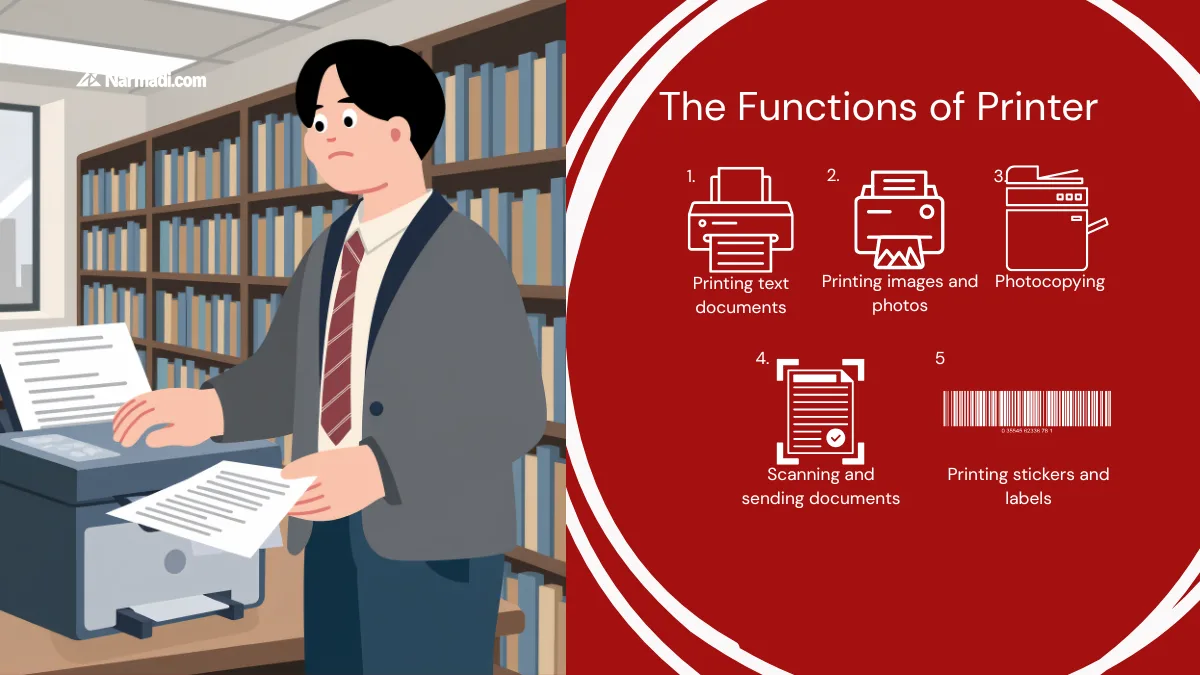
In general, a printer has several main functions, including the following:
- Printing text documents
- Printing images and photos
- Photocopying
- Scanning and sending documents
- Printing stickers and labels
The features
The key feature of a printer is to convert a digital file into a physical one. Here are some of the features:
- Print resolution (Dots per Inch / DPI): This feature determines the print results. The higher the DPI, the sharper the print. A resolution of 1200 DPI is more suitable for photos.
- Print speed (Page Per Minute / PPM): This is crucial for high-volume printing.
- Connectivity: Equipped with connection options such as USB, Wi-Fi, Bluetooth, or cloud printing for ease of use.
- Multifunction features: Products with additional functions such as scanning, copying, and faxing can increase productivity.
- Wireless printing support: Allows remote printing from mobile devices.
The Types of Printers
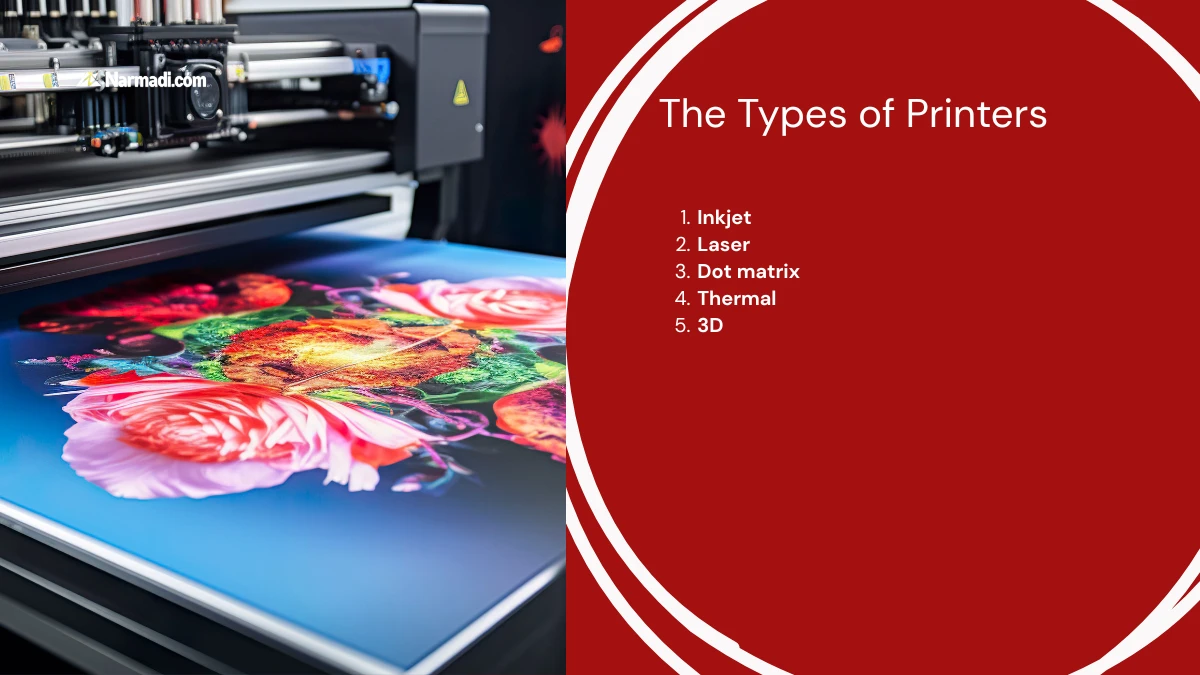
Printers have evolved to meet the ever-changing needs of users. There are several types of products designed for specific user requirements. Here are some types of products that are commonly used:
1. Inkjet
An inkjet printer is a type of device that prints by spraying small drops of ink according to the requested digital data. This device is suitable for printing high-quality photos and documents.
However, you should consider the higher cost of ink in the long run, especially when printing large quantities.
2. Laser
A laser printer is a type of device that uses a laser beam to transfer ink powder using electrostatic principles to attach toner to paper.
This type of device is known for its high printing speed, sharp print results, and its ideal capability for printing high volumes.
3. Dot matrix
A dot matrix printer is a type of device that prints by striking an ink ribbon using small needles on the print head. Digital data is applied to the print media by forming characters with a collection of dots.
This device is typically used to print special documents in multiple copies, such as receipts and invoices. This device also has a lower ink ribbon cost compared to inkjet ink or laser toner.
4. Thermal
A thermal printer is a type of device that uses heat to print on thermal paper without requiring ink or toner. This device heats the print head to produce a chemical reaction on the thermal paper.
This device is commonly used to quickly print receipts or labels. However, you cannot print in many colors, as this device can only print in certain colors.
5. 3D
A 3D printer is a type of device that prints three-dimensional objects from digital data using additive manufacturing, or by building them layer by layer.
This device is suitable for prototype design, manufacturing, and creative projects, although you need to be prepared to pay a hefty price to purchase one.
Usage Regulations
The printer operates within a specific frequency spectrum. In each country, all Bluetooth or WiFi-based wireless devices must have a Type Approval Certificate.
Wireless regulations require all radio frequency-based devices to meet specific technical standards before they can be sold in that country. This certification ensures that the product meets safety standards and does not interfere with other communication devices.
The certification process involves technical testing, including frequency tuning, safety checks, and verification of environmental compatibility. Ultimately, this results in a Test Report confirming that the product meets technical standards and is safe for use.
For companies wishing to sell printer products, Dimulti, as a Type Approval Service, can assist with this process. Our services include preparing technical and legal documents, conducting necessary testing, ensuring compliance with national regulations, and helping companies streamline the certification process. [UN]