How to Check if Your Phone Has NFC
Contents
Do you know you can check if your phone has NFC through an app? Not only for making calls and sending messages, most phones today can do a lot more than basic communication stuff.
With the technologies that are always developing, they now can do a lot of tasks like sending files, making payments, or everything in between.
One of the coolest features that almost every phone today offers is NFC, which stands for Near Field Communication.
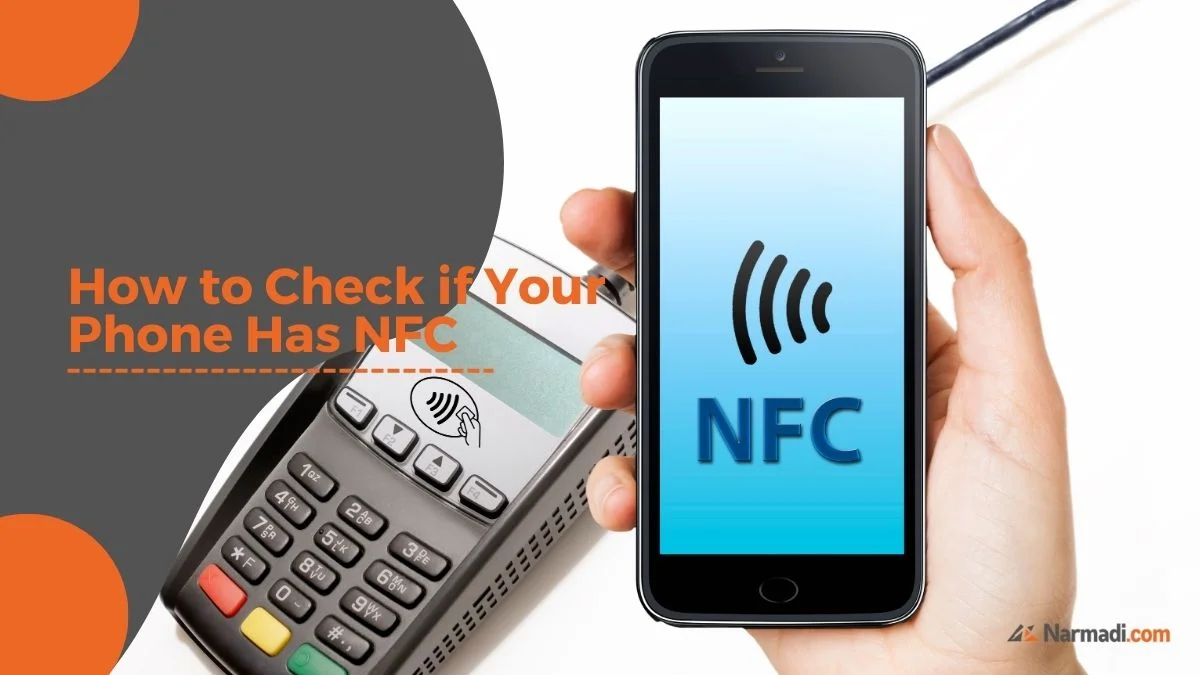
This technology allows you to do a lot of stuff, like transferring data, making payments (tap to pay), check and top up your e-money; all comes in the palm of your hand.
Similar to Bluetooth, NFC works by connecting two devices using radio frequencies, with the exception that NFC is far shorter in distance compared to Bluetooth. Other than that, NFC also allows smoother data transfer and uses much less power.
Cool, right? So, how to check if your phone has NFC or not? Check the explanation below!
2 Ways to Check if Your Phone Has NFC
1. Through Phone Settings
The first one is through your phone’s settings. Although every phone is different, the general rule of thumb is you can go to the settings, then look for the “connection & sharing” menu.
There, you can see whether your phone has NFC or not by seeing if there’s an NFC option.
Other than that, you can also quickly enable or disable it from the control center by just swiping down from the top of your phone’s screen and looking for the NFC icon. It is most likely your phone doesn’t support NFC if you don’t see the said icon.
But keep this in mind, that some phones might have different menus thus the steps can be a little different too.
2. Using an App
You can also check whether your phone has NFC or not by using an app. Here are some of our recommendations.
NFC Check: This simple yet reliable app lets you check the presence of NFC on your phone. Simply open the app and you’ll see either a red or green mark. And like every app there is, a green means your phone indeed has NFC, while red means it doesn’t.
NFC Checker: This app is also as simple as the previous one. Simply install it from the Google Play Store and open the app. The app will tell you whether your phone has NFC or not by displaying a big checkmark if your phone supports it, or a big X if it doesn’t.
NFC Check by Gold Flake: The next one is NFC Check by Gold Flake that not only provides you with clear info about the presence of NFC on your phone, but also your phone’s Google Pay availability. You’ll see a green mark if your phone supports it, and a red mark if it doesn’t. Not only that, this app also allows you to activate NFC features directly from the app by simply tapping the NFC button!
NFC Checker by The Tree Team: Another simple yet reliable app to check if your phone has NFC or not. Simply install the app, open it, and click the check button, after that you can see whether your phone has an NFC or not by seeing the icon it shows. If it shows a big red X icon, it is likely that your phone doesn’t support NFC. On the other hand, if it shows a green checklist, your phone supports NFC. And in addition to that, if your phone supports NFC, it’ll also show you your device’s name and version of NFC it uses.
What to Do After You Know Your Phone Has NFC
Once you are sure your phone supports NFC, there are a few things you can do to start using it well.
1. Turn It On Only When Needed
You can enable NFC from the settings or the control center. Some people prefer to turn it on only when they want to use it.
2. Set Up Your Payment App
If you want to use tap to pay, add your card to a trusted payment app first.
3. Try Checking Your E-Money Balance
Many e-money cards can be checked and topped up by holding them close to an NFC-enabled phone.
4. Keep Your Phone Locked
Use a PIN, fingerprint, or face recognition so that only you can use the NFC features on your phone.
Frequently Asked Questions
What does NFC stand for?
NFC stands for Near Field Communication.
Where can I find the NFC setting?
It is usually in the connection or sharing menu, but the location can differ between phones.
Is NFC similar to Bluetooth?
Both use radio frequencies, but NFC works over a much shorter distance and uses less power.
What if I cannot find the NFC icon?
It is likely that your phone does not support NFC, but you can confirm it with one of the apps above.
And with that it’s a wrap! A little guide on how to check if your phone has NFC or not! By using those methods, we’re hoping that you don’t have to play guessing games anymore!