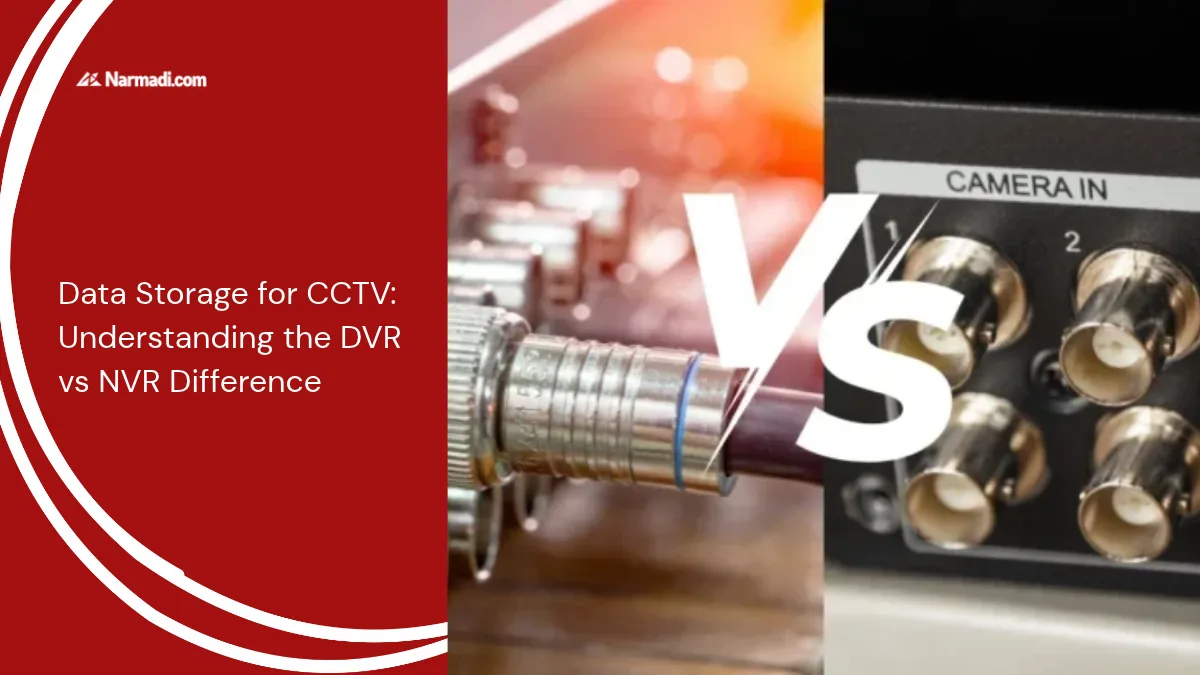

When discussing effective security surveillance systems, it’s impossible to overlook Digital Video Recorders (DVRs) and Network Video Recorders (NVRs). It’s important to understand that the two differ in terms of data processing and camera technology.
In general, NVR systems offer higher video resolution and greater flexibility, while DVR systems are still more conventional. The choice between the two depends on your property’s layout, your budget, and the desired image quality.
In this article, we will explain the definitions of DVR and NVR, the key differences between them, and wireless network compliance standards for smart recording devices.
What is a DVR?
A DVR (Digital Video Recorder) is a video recording device that receives analog signals from CCTV and converts them to digital via coaxial cable. It can be used for simple and cost-effective security systems.
What is NVR?
NVR (Network Video Recorder) is a digital video recording device for IP (Internet Protocol) cameras. IP cameras already directly produce video in digital format and support higher video quality, including Full HD and 4K resolutions.
NVR acts as a place to store and manage data from IP CCTV. Data from IP cameras is sent over a LAN or WiFi network, making NVRs more flexible in terms of installation and access. The simplicity of the network connection makes the video on the NVR remotely accessible via the internet.
The DVR vs NVR Difference
DVR and NVR are both used to support good security control, but they are different in some aspects. Here are seven DVR vs NVR differences:
1. Type of camera
- DVR: The main support for this device is using analog/HD analog camera types (usually called CCTV cameras).
- NVR: Supports IP cameras that transmit video signals digitally over a network.
2. Cable used
- DVR: Uses a coaxial cable to connect the camera to the DVR device.
- NVR: Using the internet network via LAN or WiFi.
3. Data processing
- DVR: Data from cameras cannot be processed directly but must be processed on the DVR device.
- NVR: Data is processed directly on the IP camera before being sent to the NVR.
4. Video quality
- DVR: Limited video quality, maximum up to 1080p.
- NVR: Better video quality, supporting 4K and beyond.
5. Remote access
- DVR: Has limited access; performing remote monitoring requires additional devices such as encoders and decoders.
- NVR: Has easy access via the internet and allows to access and monitoring of video in real-time via mobile applications or web devices.
6. Ease of installation
- DVR: The installation of the device uses limited cables, making it less flexible.
- NVR: Installation of the device is suitable for large areas due to its flexibility.
7. Price
- DVR: More affordable.
- NVR: Relatively more expensive.
When is the right use for DVRs and NVRs?
You can use a DVR if you need a simple, affordable surveillance system with a small installation area and no need for wireless access.
Meanwhile, you can use an NVR if you want high-quality, sharp video. With an NVR, you will have a security system that is flexible and easily accessible from anywhere. You can also get many features such as automatic motion detection, voice recording, and cloud storage.