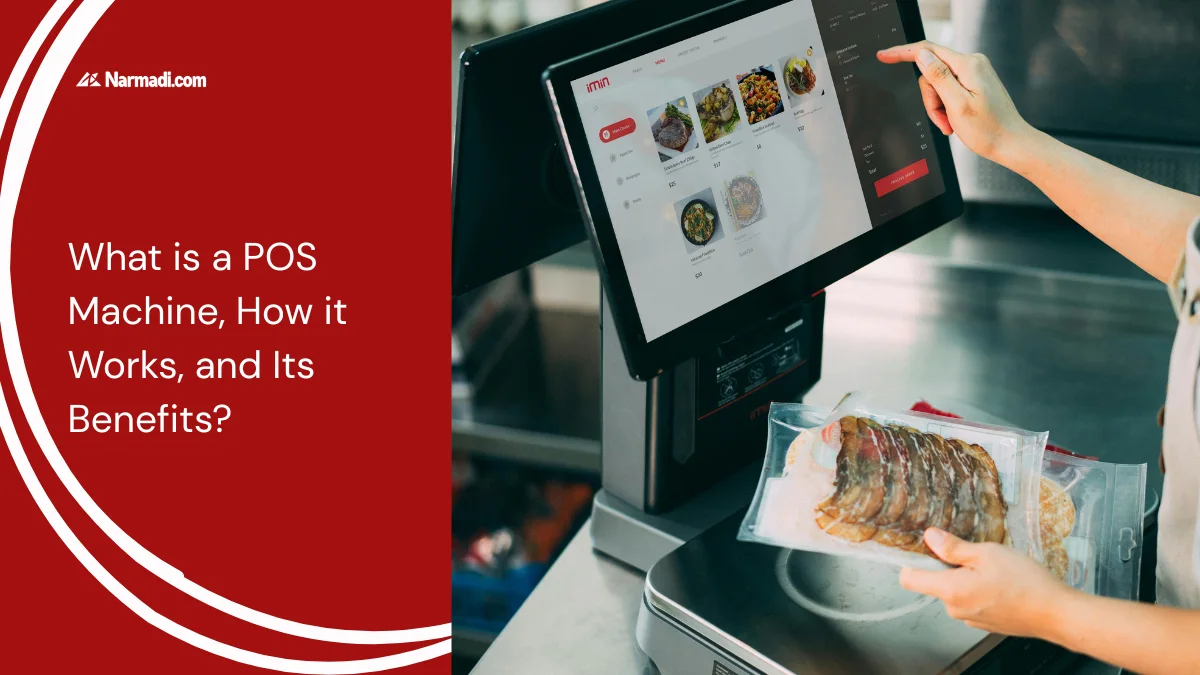
Apart from EDC (Electronic Data Capture), which is a cashless payment tool, another device that is rarely known is the Point of Sale (POS) machine.
Having many features, such as tracking inventory, sales reports, customer management, and connecting with a digital payment system, the POS machine becomes a device that is used in various types of businesses, from retail stores and restaurants to other large businesses.
This article will take an in-depth look at POS machines, from the definition, working methods, types, benefits, and usage regulations.
What is a POS Machine?
A Point of Sale (POS) machine is an electronic device used to manage sales transactions. Not only that, it can track inventory, view sales reports, and connect with digital payment systems.
This machine is usually equipped with a monitor, keyboard, receipt printer, cash storage drawer, and barcode scanner. In modern retail businesses, this tool is often used as a fast, reliable solution for recording financial data.
The components
A POS machine consists of two components that support its proper operation: the POS system and the POS terminal. Both have different functions.
A POS system is software that runs on a computer or tablet. This system makes it easier to generate financial reports, track sales, and manage customer information.
Meanwhile, a POS terminal is the hardware that supports the POS system. It can be a card terminal, a computer or tablet, or a receipt printer. This is the user’s direct interaction with the payment process.
How does it work?
The sales transaction process of a POS (Point of Sale) machine includes the scanning of goods and payment. Here is how it works:
- Product scanning: Items purchased by customers are scanned by the cashier using a scanner or manually entered into the POS machine.
- Transaction calculation: Items that have been scanned or inputted will be totaled, including any taxes and discounts.
- Payment process: The customer selects the desired payment method, such as debit/credit card or other digital payments, and then the transaction is validated.
- Printing the receipt: After a successful payment process, the POS machine will print a receipt as proof of purchase.
- Inventory stock reduction: The POS system will automatically deduct inventory stock according to the input data.
- Sales report: All forms of transactions made on the POS system will automatically generate sales reports.
The features
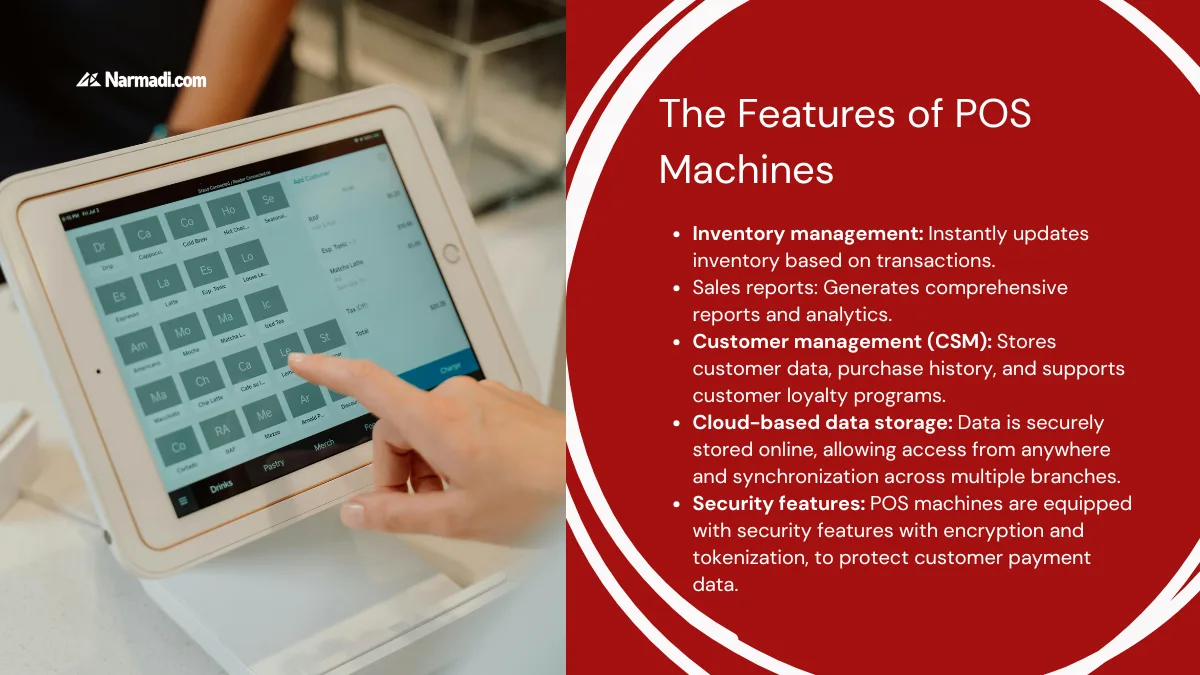
POS machines are equipped with various features that are beneficial for businesses. These include:
- Inventory management: Instantly updates inventory based on transactions.
- Sales reports: Generates comprehensive reports and analytics.
- Customer management (CSM): Stores customer data, purchase history, and supports customer loyalty programs.
- Cloud-based data storage: Data is securely stored online, allowing access from anywhere and synchronization across multiple branches.
- Security features: POS machines are equipped with security features with encryption and tokenization, to protect customer payment data.
The types of POS machines
POS machines come in several types to meet different needs. Here are some of the commonly used types:
- Traditional POS (Hard POS): Uses computer hardware, for example, used in cash registers.
- Tablet POS: Using a tablet as a device, usually found in modern coffee shops.
- Cloud POS: Using software that is connected to the internet.
- Multichannel POS: Using software that allows connection in various sales channels, such as physical stores and online stores, simultaneously.
The Benefits
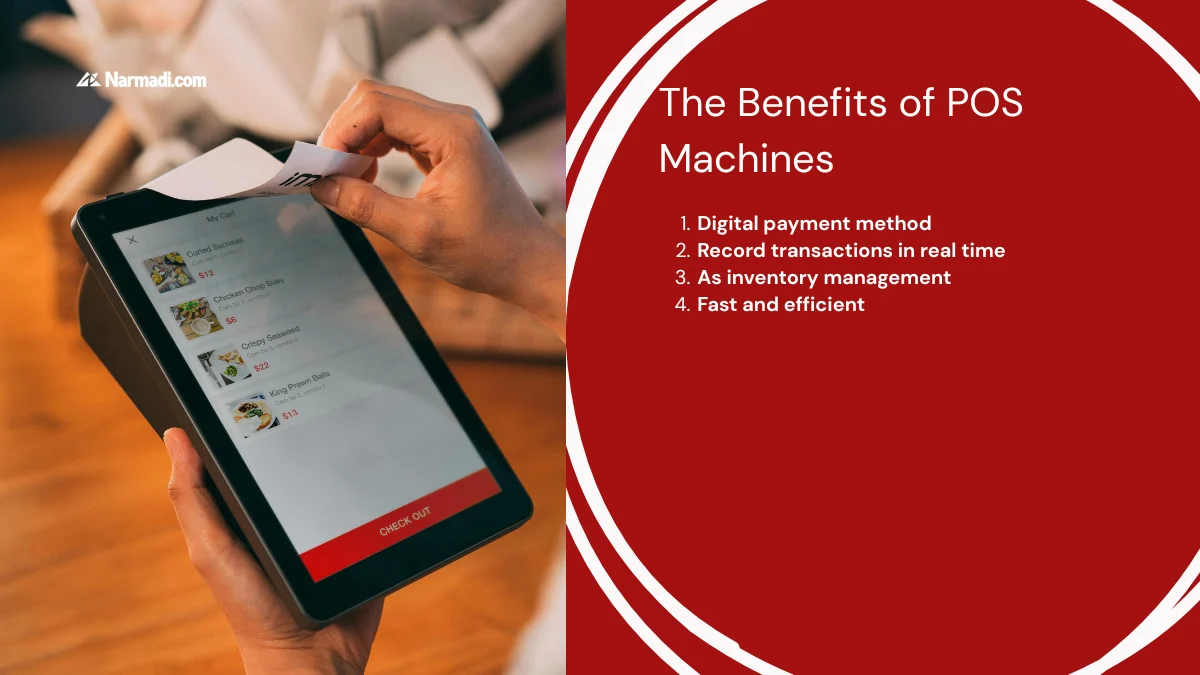
By using a POS machine, there are several key benefits that customers and merchants can enjoy. Here are some of the benefits:
1. Digital payment method
The main virtue of POS machines is indeed a digital payment method. With this machine, customers can determine payment according to their preferences. Various non-cash payment methods, such as debit/credit cards, QRIS, or e-wallets, can be used.
2. Record transactions in real time
One of the advantages of a POS machine is its ability to record transactions. All kinds of transactions can be read by the POS system, whether from sales, purchases, or returns. Transaction recording can also be accessed in real-time, making monitoring easier.
3. As inventory management
Another advantage of the POS machine is that it can be used for inventory management. With this device, businesses can easily keep track of stock inventory. Goods that sell quickly or slowly can be easily monitored, thus making the procurement process easy.
4. Fast and efficient
With POS machines, the payment transaction process will be faster and more efficient. By automatically scanning purchased items and digital payment processes, the shopping transaction process becomes faster. So that customers do not have to wait too long for the payment transaction process.
How to Choose the Right Device for Your Business?
A POS system, with its various features and benefits, will certainly help streamline your business. However, there are several things to consider when choosing the right device for your business.
First, you need to consider your needs by considering your business type, sales volume, and required features. From there, you can compare device prices and features.
Second, you need to consider your budget. You can choose features that fit your budget. Then, you can choose a trusted provider.
Third, ensure your device has Type Approval certification. This ensures it’s safe to use and won’t interfere with other devices. Furthermore, you need to ensure it’s compatible with other business management systems.
Fourth, you need to ensure the device is easy to use and has a strong data security system. [UN]