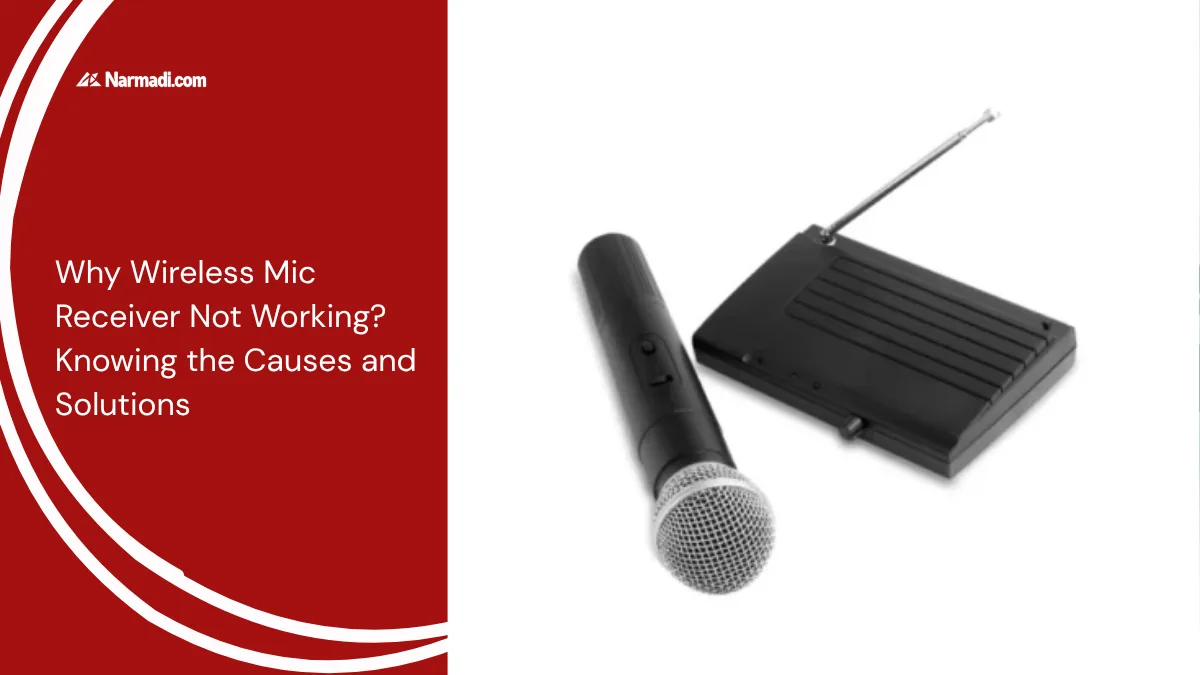
Microphone receivers are an important part of wireless microphones because sound cannot be produced without this tool. Hence, a wireless mic receiver not working could be a big problem in some situations.
Making sure the mic is working properly is something that needs to be considered during the event. So it is important to know the causes and solutions to the wireless mic receiver not working problem.
Read this article to the end to know the causes of the wireless mic receiver not working and how to solve the problem.
The Causes of the Wireless Mic Receiver Not Working
A microphone receiver not working can be caused by several factors, such as component damage, signal interference, or battery problems. Here are some common causes of a wireless mic receiver not working:
1. Signal interference
A common cause of a wireless mic receiver not working is signal interference. The mic frequency is interfered with by other electronic devices, such as televisions or other wireless devices. The number of frequencies scattered in the mic receiver area can cause this tool not to work properly.
2. Component damage
Maintaining the receiver or transmitter may not get as much attention as maintaining the wireless mic. But these components are also important to pay attention to, because if the components are damaged, it is possible that the signal cannot be received or processed correctly.
3. Battery problems
Another common cause is an unchecked mic battery. A low or dead battery in the mic will cause the signal not to be transmitted to the receiver properly. Therefore, it is a good idea to check the battery power regularly when using a wireless mic.
Some mics are equipped with an indicator light if the battery starts to weaken, so you can replace it immediately before the mic dies and cannot be used.
4. Loose connection
Using a wireless mic does require attention to several aspects, including checking the cable or connector on the mic. If the cable or connector on the receiver is disconnected or loose, it will cause the signal not to be transmitted properly.
Solutions for a Wireless Mic Receiver Are Not Working
If you experience some of the above problems, there is no need to worry; you can check several things on the mic receiver. Here are some things you can do if the wireless mic receiver is not working:
- Check and replace the battery: Make sure the mic battery is in good condition and installed correctly.
- Check connections: Make sure the cables and connectors on the mic are firmly connected.
- Adjust frequency: Try to adjust the frequency of the mic so that it does not collide with other devices.
- Check the receiver and transmitter: If the problem lies in a component failure, it may be necessary to take the mic to a trusted service center.
Preventive Tips
Regular maintenance of your wireless system is essential. This also applies to microphone and receiver units. This helps to prevent sudden malfunctions whilst in use.
One preventative measure you can take is to always store your microphone and receiver in a hard case. This will protect the equipment from physical impact and the build-up of dust.
Additionally, when the microphone is not in use, you should get into the habit of removing the battery. This will prevent battery fluid from leaking, which could damage the internal contacts of your transmitter.
Finally, handle the receiver antenna with care. A bent or broken antenna will severely limit the signal range.
Those are the causes and solutions for a malfunctioning wireless microphone receiver that you need to know. If you’re having trouble with the microphone receiver, you can try steps such as checking and replacing the batteries, checking the connections, and inspecting the cable connections.