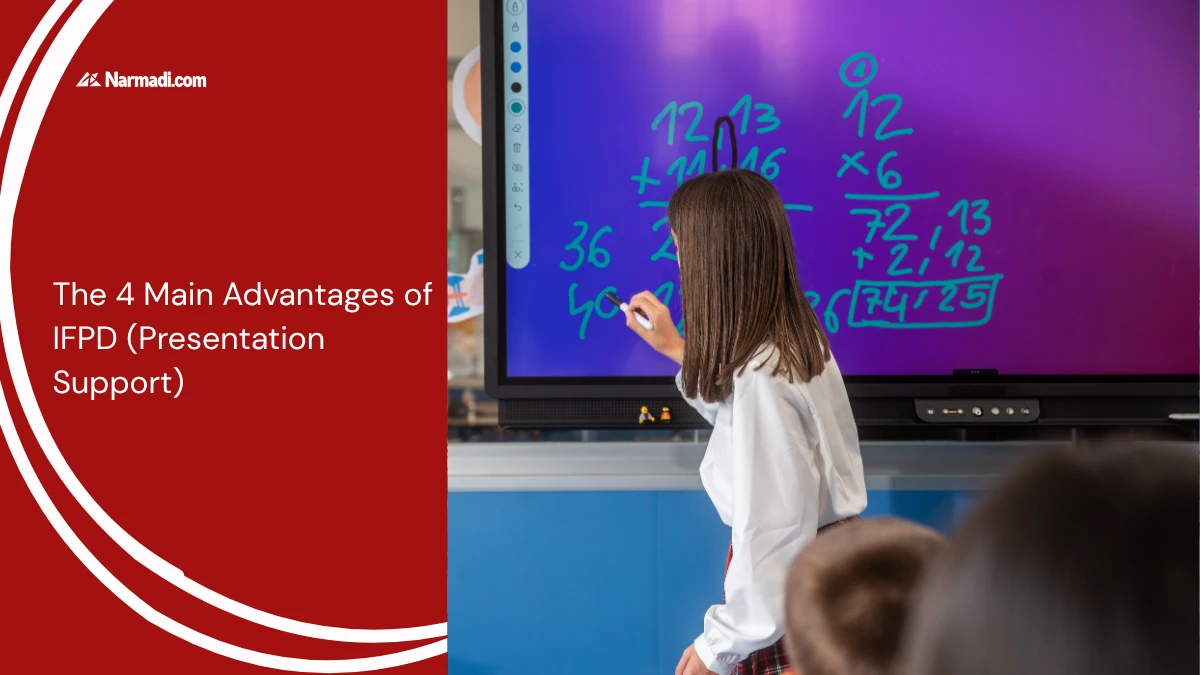

Interactive Flat Panel Display (IFPD) technology is emerging as a substitute for a whiteboard or projector. One advantage of IFPD is that it supports your presentation.
IFPD is mostly used for business or learning purposes, offering interactive features through videos and images, increased collaboration for brainstorming and discussing ideas, and more dynamic presentations by actively involving participants.
This article will discuss four key advantages of IFPD and its importance in improving audience engagement during presentations.
The Advantages of IFPD
Interactive Flat Panel Display (IFPD) has several advantages, such as being interactive with a touchscreen, minimal maintenance, and long-lasting. Here are the details of some main advantages of IFPD:
1. Interactive with touchscreen
One of the advantages of IFPDs is the touch screen, which gives an interactive feel. This is also what distinguishes IFPDs from conventional whiteboards or projectors. With the touch screen, you can write, draw, and interact directly with the material on the screen through the touch of a finger or stylus.
This feature will certainly make your presentation more interactive without the need for a mouse and keyboard. Audiences can also participate in interacting with the material by using the screen simultaneously, so that participants can actively participate.
2. Sharp and vivid image quality
IFPDs typically use 4K LED display technology, delivering sharper, brighter, and more color-accurate visuals compared to conventional LCD projectors, which can lose clarity in brightly lit rooms.
This makes IFPDs a better choice for presenting detailed content such as charts, diagrams, or high-resolution images, since the display remains clear and legible even under normal room lighting, without needing to dim the lights.
3. Connection flexibility
While LCD projectors offer connectivity via HDMI or VGA cables, the IFPD offers more connectivity options. The IFPD is capable of connecting wirelessly using Bluetooth or WiFi. If you want to use cables, the IFPD also provides ports for USB, HDMI, and DisplayPort.
IFPD is compatible with various operating systems, including Windows, macOS, Android, and iOS. With this feature, of course, it makes it easier for you to present without having to be preoccupied with connectivity in preparation.
4. Minimal maintenance and long-lasting
By using IFPD, you do not need to do special maintenance, but its service life can be long. Unlike the LCD projector, which requires lamp maintenance with regular replacement.
What makes IFPDs durable is the use of LED technology. With minimal maintenance, long-term IFPD use can be more efficient than conventional LCD projectors or whiteboards.
What to Look for When Buying
Thanks to its advantages, IFPDs are often used for business and classroom purposes. However, it’s important to note that there are many device options available on the market. Therefore, to maximize the benefits of IFPD, you should consider a few things before purchasing one.
Choosing the right features to suit your needs will help enhance your presentations. Here are a few things to consider.
- Look for a panel with an anti-glare coating: This is ideal for rooms with plenty of natural light, so the content remains visible without having to dim the lights.
- Adjust the size to fit your space: For small rooms, you can choose a 55–65-inch screen. For larger spaces, such as auditoriums, you’ll need a 75-inch screen or larger.
- Choose a resolution of at least 4K: With optimal image sharpness, you can present spreadsheets, technical diagrams, or design work in great detail.
- Multiple touch points: The more touch points a device has, the more people can write or interact with the screen at the same time. This is especially important for collaborative brainstorming sessions.
- Make sure it supports the wireless transmission standard: To connect wirelessly, ensure the wireless transmission standard is compatible with your existing infrastructure. Choose AirPlay for Mac/iOS or Miracast for Windows/Android.