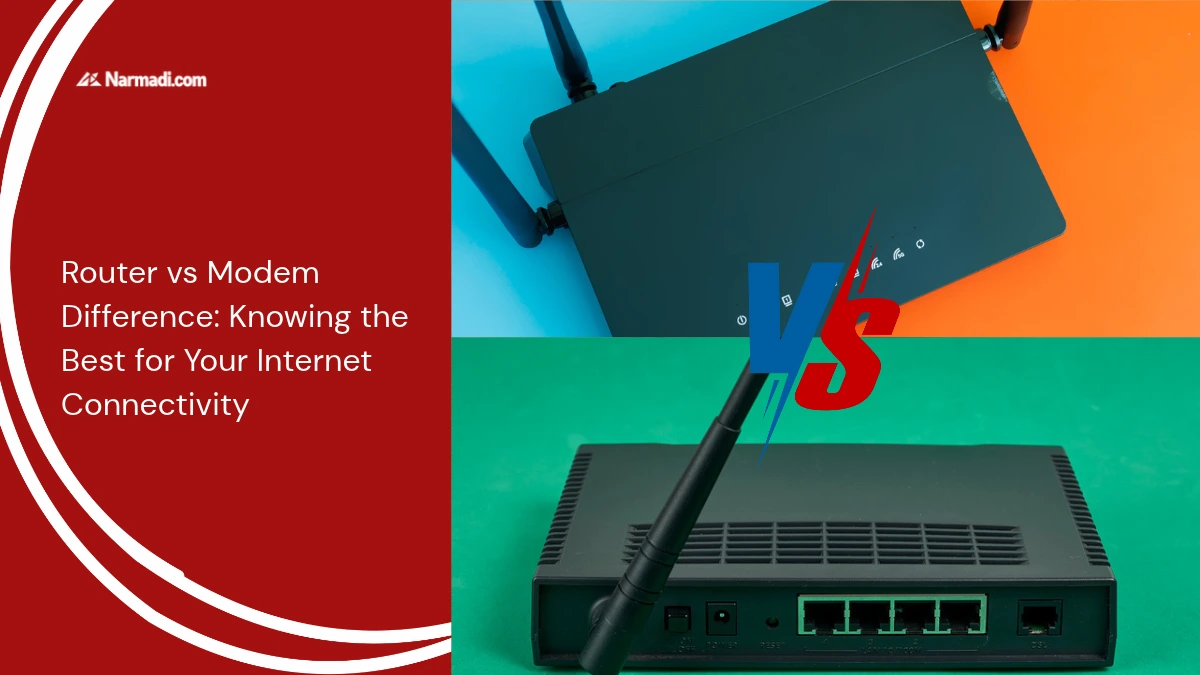
Routers and modems are devices commonly used in internet networks. Although they may seem similar at first glance, not everyone knows the router vs modem difference.
Understanding the router vs modem difference is important so you can choose the device best suited for your home or office network.
This article will discuss the router vs modem difference, so you can choose the right device for your network needs.
What is a Router?
Routers are electronic devices that work in managing the data traffic of various devices such as smartphones, laptops, tablets, and so on, on one internet network. The router functions as a bridge that channels the internet to various devices.
Routers function to receive, analyze, and forward data packets between networks. Multiple devices can be connected to the same internet connection by using a router.
With their capabilities, routers today are like items that must be used at home or in the office to maximize digital connectivity.
What is a Modem?
Modem stands for Modulator-Demodulator. From the extension of its name, we may have guessed what it is used for. Modems are the link between internet service providers (ISPs) and electronic devices. As the name implies, the way a modem works is by modulating and demodulating.
The modulation performed by this device is to convert digital signals into analog signals, which can be received by the receiver. Meanwhile, demodulation is to receive the analog signal and process it back into data that can be read by the electronic device.
With a modem, electronic devices such as smartphones, laptops, tablets, and so on can connect to the internet.
Router vs Modem Difference
To better understand the router vs modem difference, let’s review five key aspects that differentiate the two.
1. Function
- Router: Creates a Local Area Network (LAN) and distributes internet connections to devices on the network.
- Modem: Receives signals from internet service providers (ISPs) and converts them into digital signals for use by devices.
2. IP Address
- Router: Each device in the network is assigned a local (private) IP address.
- Modem: Each device is only assigned a public IP address.
3. Number of devices
- Router: Can connect to multiple devices via WiFi or cable.
- Modem: Usually can only connect to one device, unless there is an additional router.
4. Security
- Router: Protects the network from outside threats with firewalls, Network Address Translation (NAT), and security settings.
- Modem: Has no built-in security features.
5. Connection
- Router: Connects to the internet via Ethernet cable, DSL, or other wired connections, and can connect devices on the LAN using cables or wireless signals.
- Modem: Connects directly to the Wide Area Network (WAN).
| Aspect | Router | Modem |
| Function | Create a network and distribute | Change internet signal |
| IP Address | Local (private) | Public |
| Number of devices | Many devices | One (Except with additional routers) |
| Security | Available | None |
| Connection | LAN | WAN |
Choosing the Right Networking Setup
Understanding network architecture will enable you to make the right decisions when choosing devices for your network setup. That way, you can optimize your internet connectivity.
A modem is essential for connecting your home to your internet service provider. However, a router is crucial for building a secure Local Area Network (LAN) that can be used by multiple devices.
From this, you can see that a modem handles the translation of external signals, while a router manages the distribution of internal signals. By combining the two, you can configure a reliable network to enjoy seamless connectivity throughout your home or office.