In today’s era, Smart TV and Android TV are almost found in every home. But did you know that Smart TV vs Android TV has a difference?
At first glance, there may not be any difference between the two. However, there are significant differences between Smart TV vs Android in several aspects, from application programs to update automation.
In this article, we will share 5 significant differences between Smart TV vs Android TV in the aspects of application program, operating system, voice assistant, screen mirroring and screen transmission, and automatic updates.
The Differences of Smart TV vs Android TV
There the simple differences between Smart TV vs Android TV:
Aspects
Smart TV
Android TV
Application Program
Limited applications
Has more than 10,000 apps
Operating System
developed by manufacturers such as Tizen (Samsung), webOS (LG), or Vidaa (Hisense)
Operating system from Google
Voice Assistant
No voice assistant supported
Supported by Google Assitance
Screen Mirroring and Screen Transmission
No screen mirroring and screen transmission
Allows screen mirroring and transmission thanks to Google Assistant and Chromecast
Automatic Updates
Not supported for automatic updates
Supports automatic updates
1. App program
While both Android TV and Smart TV support several popular apps, the number is different.
Smart TV: Smart TVs run operating systems such as Tizen (Samsung), webOS (LG), or Vidaa (Hisense), so the apps supported will be limited. Only a few well-known built-in apps can be accessed through it.
Android TV: Has more than 10,000 apps as it is supported by the Android App Store. This app allows Android TV users to also download and use various apps, just like those on a smartphone.
2. Operating system
Smart TV and Android TV have distinctive working frameworks.
Smart TV: Regular Smart TVs use proprietary operating systems developed by manufacturers such as Samsung, LG, and others.
Android TV: Android TV operation is supported by Google’s operating system.
3. Voice assistant
Smart TV: Smart TV users have to input content with an onscreen keyboard. If Smart TVs are to be supported with voice control, they must be paired with devices such as Alexa to achieve this function.
Android TV: By using Google Assistant Android TV can switch channels and search programs easily through voice control without any input device.
4. Screen mirroring and screen transmission
Smart TV: Lacks screen mirroring and screen transmission as it does not support any other projection equipment.
Android TV: Android TV supports a screen mirroring feature, which allows you to see your favorite apps from your Android phone on your TV. This is possible thanks to Google Assistant and the built-in Chromecast (also known as Google Cast).
5. Automatic updates
Smart TV: Smart TVs find it difficult to get automatic updates as they are not directly connected to WiFi.
Android TV: Superior to smart TV in terms of app updates and streaming media resources, as it is connected to WiFi so Android TV can auto-update apps.
Those are the 5 differences between Smart TV vs Android TV for your consideration before buying one. If you want a wealth of features without having to think about updating the system, you can choose Android TV. Meanwhile, if you only need enough features, you can choose Google TV. [UN]
Digital TV and Smart TV have become a revolution in the current era because they have many interesting features. But it cannot be denied that Digital TV vs Smart TV has significant differences.
Although both have advanced features that try to fulfill the current digital era, do you know the differences between Digital TV vs Smart TV?
This article will inform you of 5 differences between Digital TV vs Smart TV that you need to know as a consideration before determining entertainment services for your home.
What is Digital TV?
Digital TV is a broadcasting technology that uses digital signals to transmit images and sound. These digital signals provide sharper images and clearer sound compared to analog TV.
A single digital TV frequency can accommodate many channels, making broadcasting more efficient. This technology also supports additional features such as the Electronic Program Guide (EPG) and high-definition (HD) programming.
What is a Smart TV?
A smart TV is a television that can connect to the internet. In terms of functionality, it can perform tasks typically found on a smartphone or tablet.
This allows users to stream content from popular services like Netflix, Disney+, YouTube, and Spotify without needing any additional devices. In addition, smart TVs offer advanced features such as web browsing, voice control, and compatibility with other smart home devices.
This is what sets them apart from conventional televisions, which only broadcast TV channels.
Comparison Between Digital TV vs Smart TV
Here are the key comparisons between Digital TV vs Smart TV:
Aspect
Digital TV
Smart TV
Internet Connection
Not required
Required for streaming and app-based features; not required for broadcast channels
Content
Digital broadcast channels only
Digital broadcast channels, plus streaming and apps
Features
Plays media from USB
App installation, internet access, streaming, and gaming
Antenna
Typically uses an external digital antenna
Typically requires an external digital antenna as well, though internet-based content doesn’t need one
Operating System
No built-in operating system
Has an operating system, such as Android TV or webOS
The Difference
1. Antenna Requirements
Both digital TVs and smart TVs still rely on external digital antennas to receive broadcast channels. The key difference lies in access to content via the internet.
Digital TVs do not have this capability. On the other hand, smart TVs offer the advantage of accessing streaming-based content via the internet without requiring an antenna at all.
2. Variety of Available Content
Digital TVs lack content variety because they only receive digital broadcasts. Meanwhile, smart TVs offer access to broadcast channels and a wider variety of content through built-in apps.
3. Types of Signals Used
Neither digital TVs nor smart TVs use analog signals. Both receive broadcast content using digital signals.
The difference is that smart TVs can also use an internet connection to access streaming content, whereas digital TVs can only receive digital broadcasts.
4. Available Features
Digital TVs are equipped with a DTV feature that allows users to search for digital TV channels without needing a set-top box (STB). This feature facilitates the conversion of digital signals into audio and video displayed on the TV.
On the other hand, smart TVs offer more than just the same broadcasting capabilities. These devices even have a full-fledged operating system for apps and additional features such as screen mirroring and voice commands.
5. Internet Connectivity
Digital TVs do not come with internet connectivity. Smart TVs, on the other hand, are equipped with internet connectivity to access streaming apps, browse the web, and use other online features.
It is this internet connectivity that allows smart TVs to offer a wider range of entertainment options, including web browsers, streaming apps, and TV games—all of which are not available on digital TVs.
Can You Turn a Digital TV into a Smart TV?
With the rapid development of the internet, smart TVs have become more popular than digital TVs. The good news is that you can add smart TV features to a digital TV using an external streaming device, such as a Chromecast, Amazon Fire TV Stick, Roku, or Android TV box.
Simply connect the external streaming device to your TV’s HDMI port and to your home Wi-Fi network. Once you’ve done that, your digital TV will be transformed into a smart TV.
With the same digital TV, you can access streaming apps, browse the web, and use other features just like on a built-in smart TV.
Those are the 5 main differences between digital TVs and smart TVs that you need to know. By understanding these differences, we hope you can choose the best option for your home entertainment needs.
Digital TV has rapidly transformed how we experience television, offering clearer visuals, superior sound quality, and a wide range of interactive features that were once unimaginable with analog systems.
However, while its benefits are impressive, the transition to Digital TV also presents some significant challenges that can’t be overlooked. Understanding both the powerful advantages and critical disadvantages of Digital TV is essential for viewers who want to make the most of this advanced broadcasting technology.
In this article, we’ll delve into the three most significant advantages and disadvantages of Digital TV, helping you make an informed decision about embracing this modern entertainment platform.
The Advantages and Disadvantages of Digital TV
Like other electronic devices, digital TVs have several advantages that can be utilized and disadvantages that need to be considered. The advantages include good picture and sound quality, interactive features, and frequency efficiency.
On the other hand, the disadvantages of a digital TV include the need for additional equipment, signal issues, and longer channel switching times. The following are the advantages and disadvantages:
The Advantages
Here are the advantages of the digital TV:
Good picture and sound quality
One of the advantages of digital TV is that it provides good picture and sound quality. The TV has sharper images and clearer, cleaner sound than analog TV. This is because TVs use digital signals that produce images with minimal interference. That way, you won’t get blurry images like on analog TV.
Interactive features
Digital TV not only provides better picture and sound quality, but also offers a variety of interactive features that enrich the viewing experience. Here are some of the interactive features available on standard digital TVs.
Electronic Program Guide (EPG): An interactive program schedule that displays detailed information about programs, times, and descriptions in real time.
Parental lock: A security feature that allows parents to set and restrict children’s access to certain programs based on age restrictions.
Early Warning System (EWS): Displays pop-up messages to alert TV users to natural disasters.
Interactive text service: Displays additional information, such as news or weather, through a text-based service that users can access by entering a specific number on their remote control.
More stable signal
Another advantage of using digital signals is that they are more stable. Digital TV broadcasts are more stable and less prone to interference, such as spots, noise, or ghosting. This means you can enjoy TV broadcasts without any significant interference.
More channels
Digital TV provides more channels. This is, of course, due to the use of digital signals. One frequency channel on digital TV can carry multiple programs simultaneously, offering more entertainment options.
Frequency efficiency
Another advantage of digital TV is its efficiency in frequency usage. With digital signal technology, more channels can be broadcast on the same frequency compared to analog broadcasting, which requires a separate frequency for each channel.
This allows service providers to offer viewers more viewing options without incurring additional expenses. Additionally, this efficiency enables more optimal frequency use and better spectrum allocation, which in turn supports the development of other communication technologies.
The Disadvantages
Here are the disadvantages of the digital TV:
Higher initial cost
To receive digital broadcasts, you need to purchase a digital TV or, at the very least, a set-top box (STB). This certainly requires a higher initial cost compared to buying an analog TV. However, this is not necessarily a disadvantage, as it is a consequence of choosing to receive digital signals.
Requires additional equipment
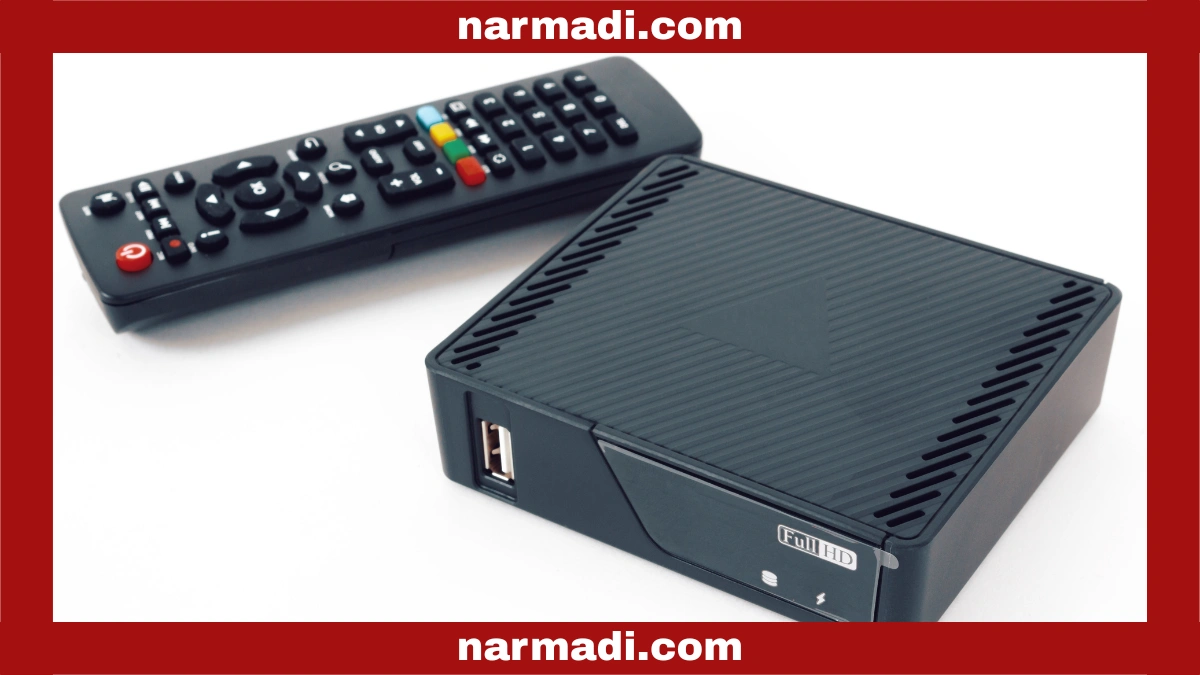
Analog TVs that want to receive digital broadcasts require additional equipment. This equipment is in the form of a Set-Top Box (STB) that functions to capture digital signals and convert them so they can be displayed on analog TVs.
Purchasing an STB certainly requires additional costs, which may be considered burdensome by some people. In addition, installing and setting up an STB also requires a certain level of technical understanding, which can be difficult for people who are not tech-savvy.
Signal problems
Although the quality of digital TV broadcasts is generally better, signal issues remain a challenge in several areas. Digital signals are “all or nothing,” meaning that if the signal received is too weak or blocked by buildings or geographical conditions, the picture and sound will not appear at all or will be intermittent.
This is different from analog TV, which can still display images even if the quality is poor. To overcome this problem, users often need to use a specialized antenna or one with improved signal strength. For those who live in remote areas or in challenging geographical conditions, this problem can be particularly daunting.
Longer channel switching time
Switching from one channel to another on digital TV usually takes longer than on analog TV. This is due to the more complex process of decoding digital signals.
Devices such as Set-Top Boxes (STBs) or TVs with built-in digital tuners need to identify, decrypt, and convert signals into images and sounds that can be displayed. Additionally, the device must synchronize the audio and video streams each time the channel is changed.
This delay can be exacerbated by weak or unstable signals, as well as by devices with low specifications, which require a longer processing time for signals.
Those are the advantages and disadvantages of digital TV that need to be considered before deciding to use it. Despite their limitations, digital TV offers good picture and sound quality, interactive features, and frequency efficiency. [UN]
Smart TVs are a television innovation that has evolved to meet the rapid development of digital technology over the past decade.
Smart TVs offer features that previous tube TVs lacked. They can connect to your home WiFi to access digital streaming services directly.
Smart TVs also offer many advantages, so they are currently in great demand as entertainment devices in many people’s homes.
This article will review Smart TVs in terms of their features, advantages, and disadvantages before you consider replacing your old TV with a Smart TV.
What is a Smart TV?
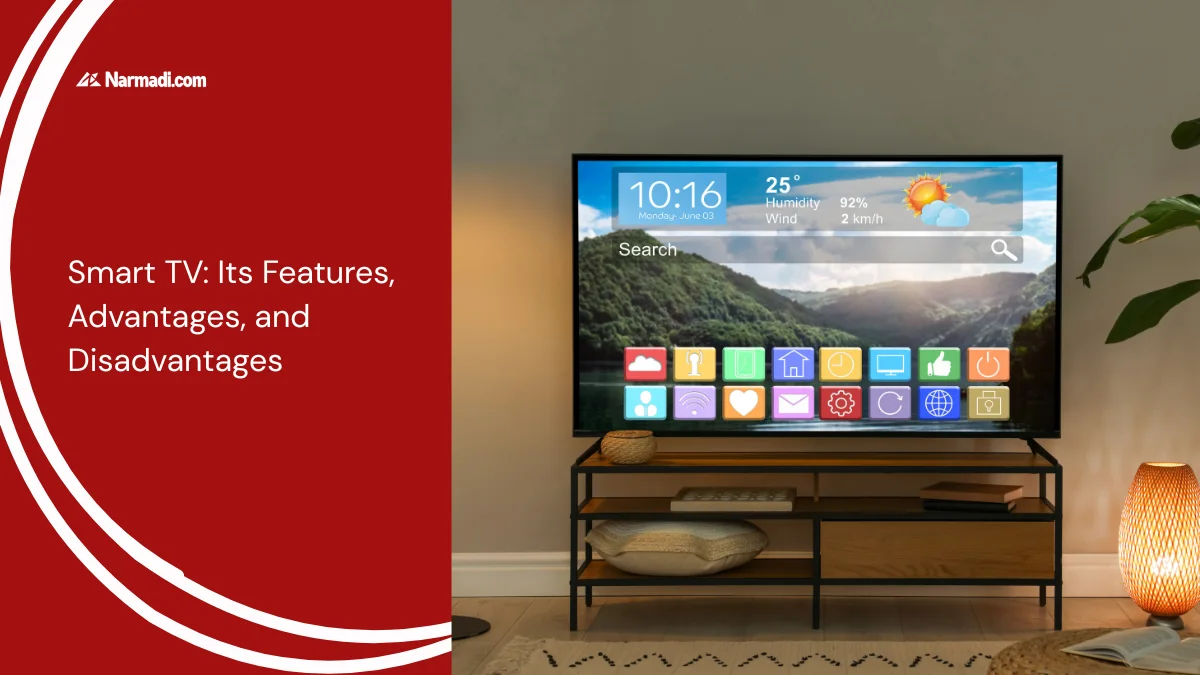
A smart TV is a type of television that can connect to the internet and run various applications commonly available on smartphones or tablets.
Through these devices, users can enjoy streaming content from popular services like Netflix, Disney+, YouTube, and Spotify without the need for additional devices. This is the main difference between a smart TV and a conventional TV, which only displays live TV.
Furthermore, these devices are equipped with advanced features such as a web browser, voice control, and the ability to integrate with other smart home devices like smart speakers or security cameras.
The Features
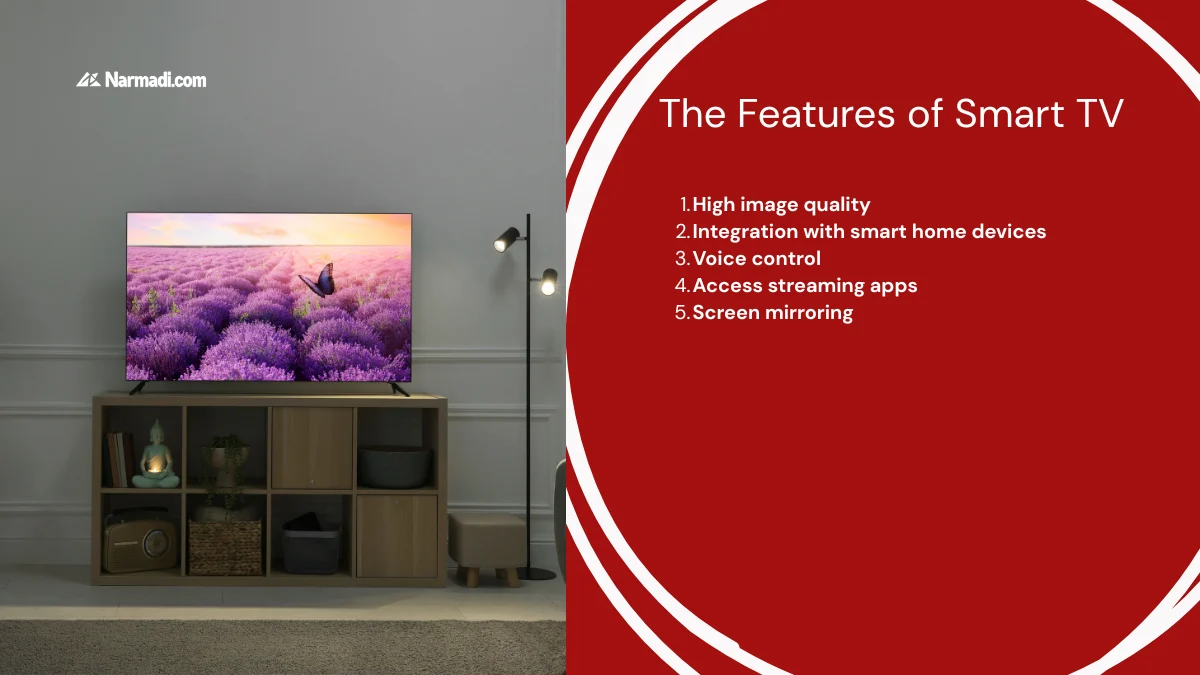
What makes smart TVs so popular is their features. These include high image quality, voice control, and screen mirroring. Here’s a more detailed explanation of these features.
1. High image quality
Most smart TVs today are equipped with high-resolution technology like 4K Ultra HD, and some of the latest models even support 8K resolution. This high resolution allows smart TVs to produce sharp, clear images with richer colors, more accurate contrast, and incredible detail.
Additionally, features like HDR (High Dynamic Range) and Dolby Vision further enhance picture quality by enhancing color depth and brightness. This technology ensures that every scene appears more vivid and realistic, resulting in a more satisfying viewing experience.
2. Integration with smart home devices
These devices can also be integrated with a variety of other smart home devices, making them part of your home’s Internet of Things (IoT) ecosystem. This capability allows you to control other devices like smart lights, thermostats, security cameras, or even audio systems from your TV’s interface.
Some smart TVs have dedicated dashboards that allow users to manage all connected devices in one place. Furthermore, this capability allows you to automate various household tasks and set room moods with just a few simple commands.
3. Voice control
The voice control feature on smart TVs allows users to operate the device without the need for a remote. Simply by speaking to a voice assistant like Google Assistant, Amazon Alexa, or the TV manufacturer’s built-in assistant, you can change channels, search for specific content, adjust the volume, or even control other connected smart home devices.
This feature is especially useful for those who want greater ease of TV operation or have physical limitations that make it difficult to use a remote. Users can also ask questions or get information about the weather, news, and more through voice commands.
4. Access streaming apps
With a smart TV, you can enjoy a variety of streaming services without the need for additional devices like a set-top box or console. Simply download streaming apps like HBO GO, Amazon Prime Video, Netflix, Disney+, and YouTube and watch thousands of shows, movies, series, and exclusive content from around the world.
The viewing experience becomes more flexible, as users can choose the content they want at any time, without relying on conventional television broadcast schedules. Some products even offer personalized content recommendations based on your viewing habits, making it easier to find shows you enjoy.
5. Screen mirroring
Smart TVs also support screen mirroring, which allows you to display content from other devices, such as smartphones, tablets, or laptops, directly on the TV screen. This feature allows you to easily display videos, photos, presentations, or specific apps.
The process is simple, usually just connecting the device to the TV via Wi-Fi or Bluetooth. This feature is especially useful when you want to share content with family or friends on a larger screen, or even for presentations in a work environment.
The Advantages and Disadvantages
Every device has its positives and negatives, including smart TVs. Here are some of them:
Advantages
Can access various apps and streaming services directly without the need for additional devices.
Provides superior picture and sound quality for a better viewing experience.
Comes with advanced features such as voice control and screen mirroring that enhance the convenience of use.
Disadvantages
The price is usually higher compared to conventional televisions.
Requires a stable internet connection for all features to function optimally.
May require regular software updates to maintain performance and security.
Tips for Choosing the Best
To ensure you get the best smart TV, there are several things you need to consider. Here are some tips you can apply.
Optimize screen size: You can choose a size that suits the room where you watch TV. The more optimal the screen size, the better the viewing experience.
Choose the most familiar operating system: Smart TVs have several application options, such as Android, Google, Tizen (Samsung), and WebOS (LG). You can choose the one you are most familiar with for ease of use.
Set up a stable internet connection: This TV requires an internet connection to connect. Therefore, make sure your home WiFi network is fast and stable to get high-quality streaming content.
Choose a high screen resolution: Generally, 4K smart TVs already provide sharp image quality. You can choose an 8K TV as an option, even though 8K content is still limited.
Usage Regulations
Smart TV technology operates within a specific frequency spectrum. In each country, all WiFi or Bluetooth-based wireless devices must be Radio Frequency (RF) Certified.
Wireless regulations require all radio frequency-based devices to meet specific technical standards before they can be sold in that country. This certification ensures that the product meets safety standards and does not interfere with other communication devices.
The certification process involves technical testing, including frequency adjustment, safety checks, and environmental compatibility verification. This ultimately results in a Test Report confirming that the product meets technical standards and is safe for use.
For companies wishing to sell smart TV products, we are ready to assist in this process. Our services include preparing technical and legal documents, conducting necessary testing, ensuring compliance with country-specific regulations, and assisting companies in streamlining the certification process. [UN]
The use of storage spaces in public areas, such as lockers, is crucial. Lockers are commonly found in various locations, including offices, fitness centers, airports, train stations, and warehouses.
With the advancement of digital technology, smart lockers have emerged, offering a range of features that enhance security and convenience. One of the advantages is the ease of real-time remote control.
This article provides an in-depth explanation of smart lockers, covering their definition, operation, and the features they offer. It will even cover the regulations governing their use due to their wireless technology.
What is Smart Locker?
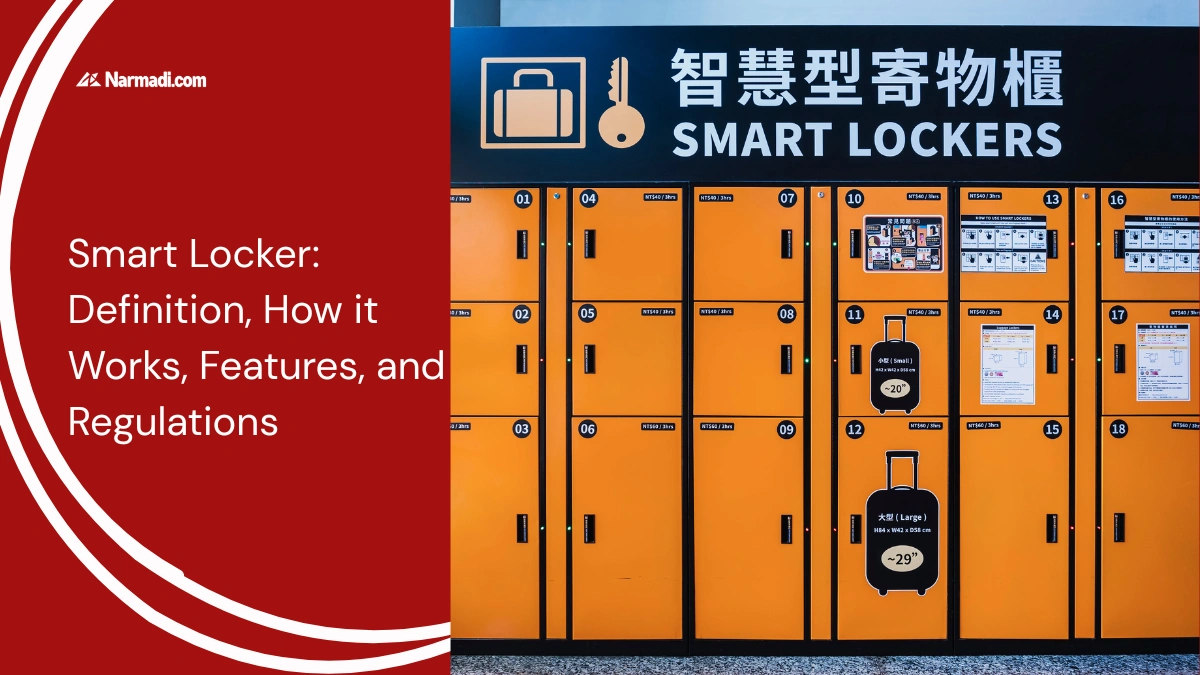
Smart lockers are devices that adopt Internet of Things (IoT) technology equipped with digital locking systems and sensors. This system allows you to store your belongings safely. These devices are connected to the internet, allowing you to monitor their condition in real-time.
Several access options are available for opening this locker, including the use of RFID cards, PINs, QR codes, fingerprints, and facial recognition. These access options certainly have their own advantages because not everyone can access them freely.
Smart lockers have been widely implemented in various locations, including offices, fitness centers, airports, train stations, and warehouses. These lockers are an important facility for employees to store their personal belongings.
How do They Work?
Smart lockers work by combining automation technology, sensors, electronic locks, and wireless networks (such as Wi-Fi or Bluetooth) to provide secure and convenient storage. Here’s how it works in more detail:
Locker registration: Users register and select a locker through an app or system at the location.
Access code provided: The system will provide a unique access code, such as a PIN or QR code, via a connected Bluetooth device.
Access code input: Users enter the code or scan their card/mobile phone to open the locker.
Item placement: After the item is placed inside, the locker door closes and locks automatically by the system.
Locker control: The ESP32 microcontroller connected to the network can receive commands from the app, send notifications, and perform automatic controls.
Item retrieval: Users return to the locker and use the same code or authentication method to unlock it.
Smart lockers can be operated via a touchscreen at the location, a mobile application connected to the cloud, a code scanner, or a biometric sensor. Connectivity such as Bluetooth, NFC, RFID, or WiFi enables integration with logistics management systems, security systems, and real-time control dashboards.
The Features
The features of smart lockers are primarily divided into three aspects: authentication and access methods, security, and management. The following are the features in each aspect:
Authentication and access methods:
Fingerprint
PIN (Personal Identification Number)
RFID card
Mobile app via Wi-Fi or Bluetooth.
QR code
Security:
Real-time notifications to your phone when there is activity on the locker
Records every locker usage activity
Anti-theft alarm
Camera (on some models)
Anti-peeping
Facilities and management:
Charging ports for electronic devices stored in the locker
Remote control (manage access, monitor locker status, and troubleshoot)
Integration with security or management systems
Reservation system
Backup power source to remain operational during power outages
The Regulations
A smart locker uses Bluetooth, RFID, NFC, and WiFi technology, which operate within a specific frequency spectrum. In every country, all wireless devices are required to have Radio Frequency (RF) Certification.
Smart locker regulations require all radio frequency-based devices to meet certain technical standards before they can be sold in that country. This certification ensures that products comply with government safety and quality regulations and do not interfere with other communication devices.
Some types of type certification regulations in Asia:
Indonesia: DJID Certification
Malaysia: SIRIM Certification
Thailand: NBTC Certification
Singapore: IMDA Certification
Philippines: NTC Certification
Vietnam: MoST Certification
Cambodia: TRC Certification
India: WPC ETA and TEC MTCTE Certification
The certification process involves technical testing, including frequency adjustment, safety checks, and verification of compatibility with the surrounding environment. Once testing is complete, products that pass will be listed in a test report, confirming that they are safe and ready for sale. This report guarantees customers that the product meets technical standards and is secure.
For companies wishing to sell smart lockers, our type approval services are available to assist with this process. This service includes preparing technical and legal documents, conducting the necessary testing, ensuring regulatory compliance, helping companies streamline the certification process, and providing consumers with confidence in certified products. [UN]
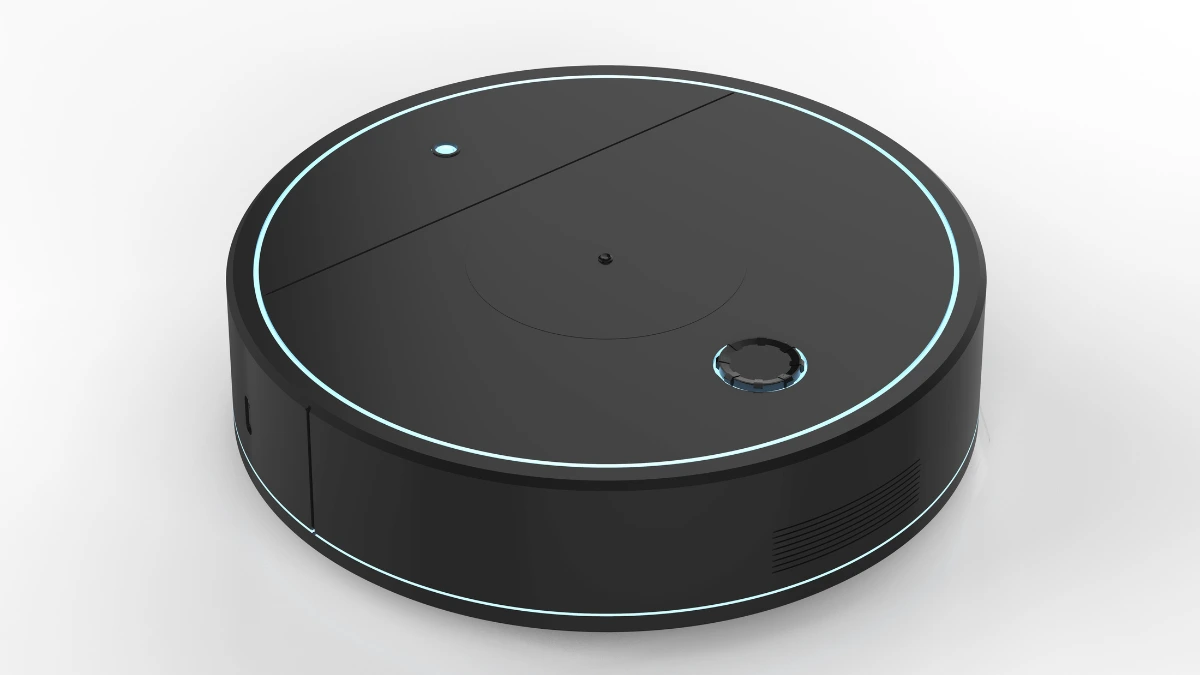
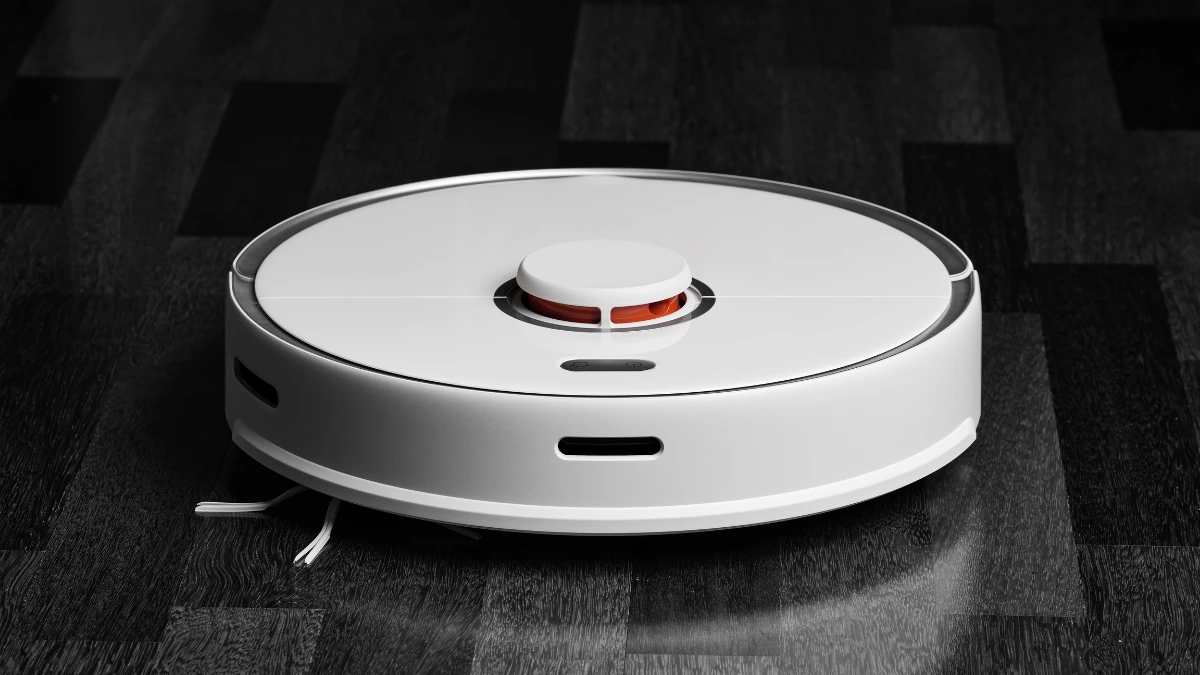
A robot vacuum cleaner is a smart device that has some benefits to help you clean your home. With the benefits that exist, the advantages and disadvantages of robot vacuum cleaner also cannot be separated from it.
The advantages and disadvantages of robot vacuum cleaner are inseparable from smart navigation to requiring high battery power with its many features.
In this article, we will inform you about the advantages and disadvantages of robot vacuum cleaner that you can consider before deciding to use it.
The Advantages and Disadvantages of Robot Vacuum Cleaner
With the many innovations of the robot vacuum cleaner, many are interested in using this tool for their home cleaning needs. With the advantages and disadvantages of robot vacuum cleaner, you can be wiser to assess the innovation of this tool.
The Advantages
Of course, robot vacuum cleaners were created to facilitate cleaning activities with a variety of benefits that you can enjoy. Here are the advantages of a robot vacuum cleaner:
1. Smart navigation
Robot vacuum cleaners have an intelligent mapping to scan the room establish an optimal floor cleaning route and avoid obstacles.
This information will be stored by the robot vacuum cleaner so that in the future it can easily clean your room.
2. Schedulable
Robot vacuum cleaners can be set to clean according to your schedule. So you can set the time when it will clean your room.
For example, you can set the cleaning time every hour after you go to work so that when you come home from work you can already enjoy the clean floors of your house.
3. Fast cleaning
Robot vacuum cleaners can clean dirt in seconds just by pressing the power button.
So if there is dirt that has fallen, you cannot immediately command the robot vacuum cleaner to clean it before it becomes a stain.
4. Can reach tight areas
The bottom of the sofa, bed, between cabinets, and so on are not an obstacle to using a robot vacuum cleaner.
With its small size, a robot vacuum cleaner can get into tight areas and clean more accurately.
5. No noise
What is quite annoying about conventional vacuum cleaners is their loud sound. This problem is no longer encountered with a robot vacuum cleaner that only makes a soft hissing sound and is not noisy.
The Disadvantages
Of course, behind the advantages and benefits provided by a robot vacuum cleaner, some disadvantages are a risk for you to consider when choosing this tool as a cleaning device. Here are the disadvantages of a robot vacuum cleaner:
1. Susceptible to obstacles
If using a robot vacuum cleaner you must make sure the floor is not obstructed by objects such as socks, shoes, and toys.
Because these objects can hinder the work of the robot vacuum so that it does not function effectively.
2. Small dust bag
Because the size of the robot is small, the size of the dustbin bag inside is limited – smaller than a conventional vacuum cleaner dust bag. This causes you to empty and clean it frequently if you use it often enough.
3. Longer cleaning duration
A conventional vacuum cleaner that uses human power makes the cleaning speed adjustable.
Whereas a robot vacuum cleaner has a predetermined speed and AI technology that requires determining the cleaning route, making the cleaning time longer.
4. Limited battery
With the sophistication of the robot vacuum cleaner, of course, it makes high use of battery power as well.
The average battery life of this cleaning robot is 2 hours. After that, the robot must charge first before it can be used again.
5. The price is quite expensive
With its advanced features, of course, making a robot vacuum cleaner has a fairly expensive price.
However, as an alternative, many manufacturers currently sell at affordable prices but with limited features.
In the end, the sophistication of robot vacuum cleaner technology cannot be avoided with the disadvantages it also has.
The advantages and disadvantages of robot vacuum cleaner can be your consideration before using it. Hopefully, this article can help you decide on the best tool to clean your room. [UN]