Author: Muhammad Rifqi Rihza Rahman

  • Advantages and Disadvantages of GSM That You Must Know

    Advantages and Disadvantages of GSM That You Must Know

    We can enjoy the Global System for Mobile Communications (GSM) with all its benefits in everyday life. However, the advantages and disadvantages of GSM cannot be denied and need to be taken into consideration.

    The advantages and disadvantages of GSM include technology, network, signals, and compatibility with various devices.

    In this article, we will share 20 advantages and disadvantages of GSM that you need to know to consider when using it.

    Advantages of GSM

    Cost-effective: GSM provides highly cost-effective products and solutions.

    Seamless roaming: GSM provides seamless wireless connectivity, making international roaming a non-issue.

    Faster data speeds: Advanced versions of GSM, such as GPRS and EDGE, with more antennas provide high-speed data downloading and uploading.

    High transmission quality: SAIC and DAIC techniques provide very high transmission quality. SAIC stands for Single Antenna Interference Cancellation technique, while DAIC stands for Double Antenna Interference Cancellation.

    Easy maintenance: GSM network maintenance is easy because network technicians are available in large numbers at affordable costs. This helps increase telecommunications operator revenues.

    SIM card flexibility: This phone works based on SIM cards, so it is easy for users to switch between different types of phones. It also allows users to save their data and preferences.

    Good voice quality: GSM signals do not suffer from quality degradation inside offices and homes and offer good voice call quality due to the digital coding and error correction techniques used.

    Easy integration: GSM technology is easy to integrate with other wireless technologies, such as CDMA and LTE.

    Built-in security: GSM combines encryption and authentication measures, making it more secure than analog systems.

    Vendor interoperability: GSM specifications allow devices and networks from different vendors to work together without technical issues.

    Energy efficient: GSM technology is energy efficient, which is important for mobile devices with limited battery capacity.

    Disadvantages of GSM

    Spectrum licensing required: Operating a GSM network requires a radio spectrum license from the relevant national telecommunications regulator, which can involve significant cost and administrative complexity depending on the country.

    Coverage extension costs: To increase coverage, it is necessary to install repeaters, adding to infrastructure costs.

    Limited data rates: GSM provides limited data rate capabilities; for higher data rates, more advanced versions of GSM technology are used.

    Bandwidth sharing: GSM has limited bandwidth. Multiple users share the same bandwidth, which can cause interference when many users use the GSM service simultaneously.

    Electromagnetic interference: GSM’s pulse-based transmission can interfere with certain electronic devices, which is why some environments like hospitals and fuel stations have historically restricted its use.

    Security vulnerabilities: Even though they are encrypted, GSM networks are vulnerable to hacking and eavesdropping, particularly with older encryption algorithms.

    Limited rural coverage: Although widespread, GSM coverage may not be available in very remote or undeveloped areas, or in areas primarily served by other cellular technologies such as 4G LTE and 5G NR (New Radio).

    Backhaul dependency: GSM network performance depends on the quality and capacity of the backhaul infrastructure, which may be inadequate in some areas.

    Device compatibility: Older GSM devices may not be compatible with newer networks and may require users to upgrade their devices.

    Common GSM Network Problems and How to Fix Them

    Here’s a quick look at common GSM issues and practical ways to address them:

    • Weak indoor signal: Use a signal booster to improve coverage.
    • Network congestion: Reallocate channels to reduce the load.
    • Interference from other devices: Keep GSM devices away from sensitive electronic devices.
    • Poor coverage in rural areas: One solution is to use a GSM repeater.
    • Compatibility with older devices: Check the frequency bands supported by the device.

    Here are some of the advantages and disadvantages of GSM that you may wish to consider when using this technology. We hope this article will be useful in expanding your knowledge of GSM.
  • Get to know Network, Benefits and How GMS Works

    Get to know Network, Benefits and How GMS Works

    The Global System for Mobile Communications (GSM) is a digital cellular communications technology widely used in mobile phones. Do you know how GMS works?

    In general, how GSM works by utilizes microwaves and signal transmission so that the information sent will reach its destination.

    How GSM works is also with their network architecture that supports these devices to work in providing benefits in our lives.

    In this article, we will explain how GSM works, its network structure, and its benefits for our lives.

    GSM Network Architecture

    Understanding How GMS Works, the Network Architecture, and the Benefits for Our Lives

    Before we know how GSM works, we must know first about the GSM network architecture. In general, in the GSM network architecture, there are 4 elements, namely Mobile Station (MS), Base Station Sub-system (BSS), Network Sub-system (NSS), and Operation and Support System (OSS).

    The following is an explanation of each GSM network architectural element:

    • MS (Mobile Station): A telecommunications device used by users/subscribers as a transceiver in communicating, such as a cellphone or modem.
    • Base Station System (BSS), consisting of:

    Base Transceiver Station (BTS): This is a GSM device that is directly connected to the MS and functions as a signal sender.

    Base Station Controller (BSC): A device that controls the work of the BTS below it and acts as a link between the BTS and MSC.

    • Network Sub System (NSS), consisting of:

    Mobile Switching Center (MSC): This is a central network element in a GSM network. MSC is the core of the cellular network, where MSC plays a role in interconnecting conversation links, both between cellular and PSTN cable networks, or with data networks.

    Home Location Register (HLR): Functions as a database to store all data and information about customers so that it is stored permanently.

    Visitor Location Register (VLR): Functions to store customer data and information.

    Authentication Center (AuC): Required to store all data required to check customer legitimacy. So that unauthorized customer conversations can be avoided.

    Equipment Identity Registration (EIR): Useful for loading customer data.

    • Operation and Support System (OSS): This is a GSM network sub-system that functions as a control center, including fault management, configuration management, performance management, and inventory management.

    How GSM Works

    Understanding How GMS Works, the Network Architecture, and the Benefits for Our Lives 2

    How GSM works when viewed from its architecture can be divided into four parts, namely:

    1. Base station subsystem

    In the Base Station Subsystem, there are BTS and BSC which act directly to serve (serve) users by providing logical channels.

    2. Network and switching subsystem

    Parts of the Network and Switching SubSystem are similar to Fixed Network. This subsystem is also known as the “Core network”.

    3. GPRS core network

    GPRS Core Network is optional and not mandatory in the GSM network architecture. This section is responsible for passing packets from the internet connection.

    4. Operation support system (OSS)

    OSS is also known as Network maintenance, which functions to keep the network system in good condition. If errors or irregularities are found in the feeding system, the OSS is the first system to detect this. You might like to read the different between GSM and CDMA on our previous article.

    The Benefits of GSM

    Understanding How GMS Works, the Network Architecture, and the Benefits for Our Lives 4

    Here are some of the main benefits of a Global System for Mobile Communications (GSM):

    • Mobility: GSM allows users to stay connected and productive on the go, without depending on Wi-Fi or cable connections.
    • Connectivity: GSM allows interconnection between mobile operators and between countries, so users can communicate with other people around the world.
    • Accessibility: GSM allows users to connect and communicate with others, either through voice phone calls or text messages, from anywhere and at any time.
    • Productivity: GSM allows users to work and coordinate with others efficiently and quickly, such as sending and receiving emails, making video calls, and accessing the internet.
    • Economic growth: GSM plays an important role in global economic growth by facilitating communication and information between businesses and consumers.
    • Business support: GSM enables businesses to increase their efficiency and productivity by providing good accessibility and connectivity to their employees.
    • Security: GSM provides a high level of security through data encryption and user authentication, so sensitive and personal information remains safe.

    That’s how GSM works and its benefits for our daily lives. Now you can know how GSM works and the benefits that we may have experienced before. Hopefully, it’s useful! [UN]

  • Advantages and Disadvantages of Microwave Links

    Advantages and Disadvantages of Microwave Links

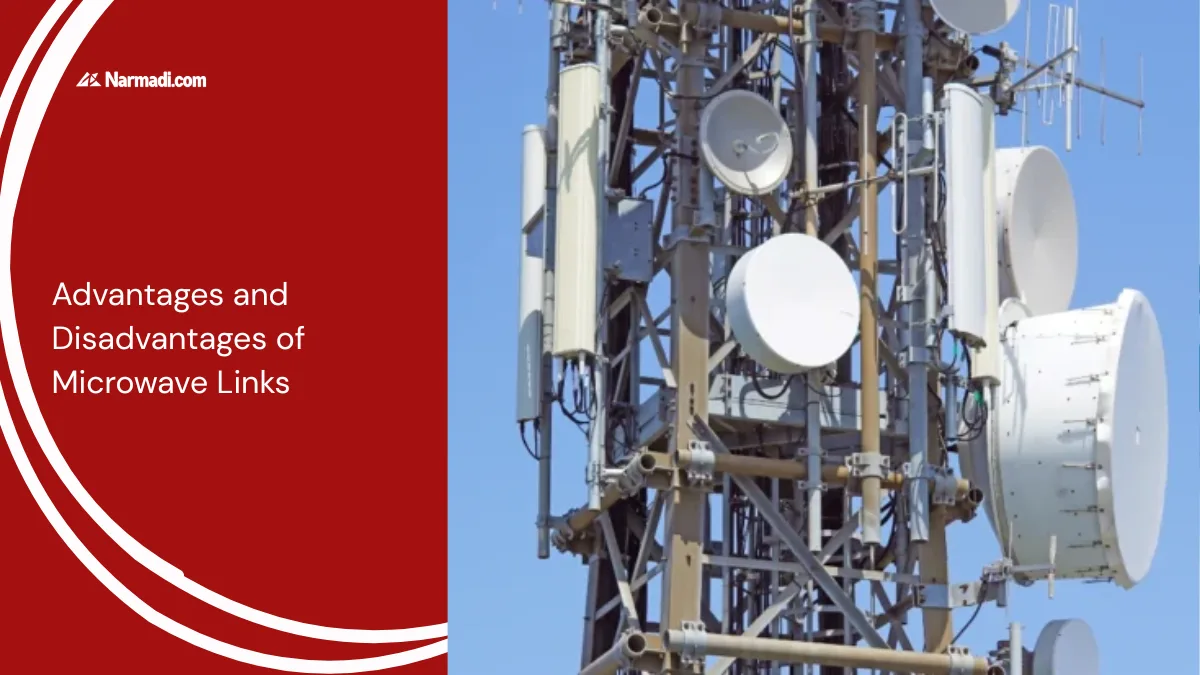
    Microwave links are very useful for sending information from one point to another. Beyond simply using the technology, understanding the advantages and disadvantages of microwave links is essential for proper network planning.

    The advantages and disadvantages of microwave links refer to the network reach, speed, installation costs, and signal stability. These need to be considered when using this technology.

    In this article, you will be informed about the advantages and disadvantages of microwave links, which you can consider when using the technology.

    The Advantages 

    Microwave Link system users can enjoy smooth communication activities. This is also what makes many agencies choose to implement this transmission for the sake of smooth work.  The following are the advantages of Microwave Links:

    1. Broad network reach 

    Microwave links that connect several repeater stations enable networks to cover very large geographical areas. This makes them an ideal solution for extending connectivity to remote areas, islands or regions where the installation of fibre-optic cables is not feasible.

    2. High speed

    Another advantage of this Microwave Link is that its speed is relatively high. This system can transmit data quickly, so it works very efficiently. Even large-capacity data transfers can run quickly.

    Affordable installation costs

    Installation or installation of this Microwave Link requires very affordable costs. Apart from its function being able to run optimally, we don’t need to spend a large amount or budget.

    3. Easy installation

    Apart from the installation costs being relatively affordable, the process is also relatively easy. Of course, this will also be very profitable because it can make the installation process more effective and save time.

    The Disadvantages 

    All forms of technology have advantages and disadvantages. Likewise with the Microwave Link system. Even though it has many advantages, this system also has disadvantages. Here are some disadvantages of Microwave Link:

    1. Vulnerable to interference

    In fact, this is very possible to happen in various types of technology. Any transmission system can experience problems, and of course, various solutions can be taken.

    2. Vulnerability to atmospheric interference

    Extreme weather conditions, heavy rain or fog can affect high-frequency radio signals. If not dealt with properly, this may result in a temporary deterioration in signal quality or a loss of signal.

    3. Requires regular maintenance and link budget planning

    During the planning stage, to maintain signal stability, the engineers constructing the microwave link need to carry out careful link budget calculations. In practice, this equipment also requires routine maintenance to ensure the parabolic antenna is properly aligned, to check the power supply, and to protect it from damage caused by environmental factors.

    Optimizing Microwave Link Performance

    Understanding the advantages and disadvantages of microwave links is crucial when designing a reliable communications network. Some steps can be taken to address the challenges posed by environmental factors that may weaken the signal.

    The solution lies in proper network planning. This requires an accurate Line of Sight (LOS) survey, precise antenna alignment and frequency planning.

    Design is key to microwave links. The right design will make them the backbone of a cost-effective, high-speed and reliable network for modern telecommunications.e Link. Now you can find out the advantages and disadvantages of microwave links as considerations when using this technology. [UN]

  • Types of Microwave Link, Components, and Channels

    Types of Microwave Link, Components, and Channels

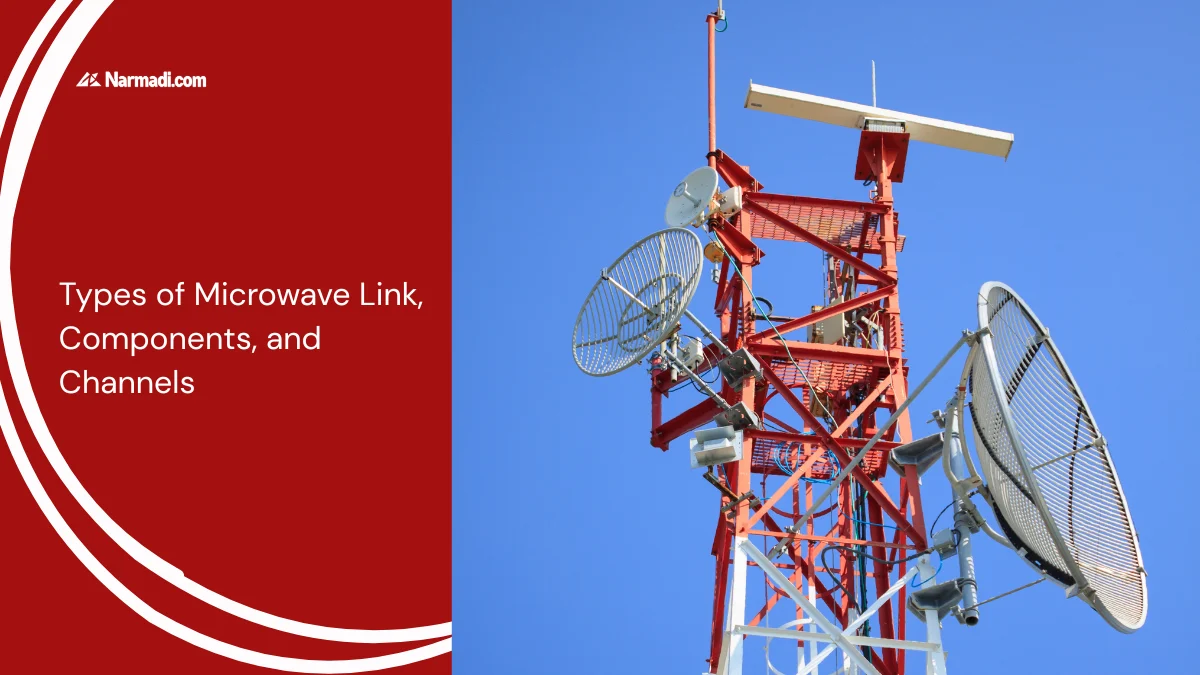
    As we already know, a Microwave Link uses microwaves to send information from one point to another. It turns out that there are types of Microwave Link depending on the usage needs.

    The microwave frequency range of the Microwave Link can be used from several meters to several kilometers depending on the type of Microwave Link used.

    Apart from having different types, Microwave Link also consists of components and channels that support its application.

    In this article, we will review the types of Microwave Link, the components that support them, and the channels they use.

    Types of Microwave Link

    Several types of microwave links are commonly used, depending on the needs and desired application. The following are some examples:

    1. Point-to-point

    This type of microwave link connects two points directly. This is the simplest type and is commonly used in telecommunications, broadcast radio, and surveillance applications.

    2. Point-to-multipoint

    This type connects one point with several other points in a network. Examples of use include cellular communications systems and wireless internet networks.

    3. Mesh

    This type forms a network that connects several points in the system, with each point connected to several other points. This network is more complex and can increase system reliability by providing alternative paths if one of the paths experiences problems.

    4. Satellite

    This type of microwave link involves the use of satellites orbiting the Earth to connect points on the surface. Satellites act as a link between points that are far away and difficult to reach by land communications systems.

    Components

    In a microwave link, there are several components; the following are the main components of a microwave link:

    • Indoor Unit (IDU): functions as a signal modulator-demodulator. Apart from that, it also functions as Forward Error Correction (FEC). Indoor units are usually placed in buildings.
    • Outdoor Unit (ODU): functions to convert modulated digital signals that have frequencies from low to high frequencies. Outdoor Unit power is supplied from the Indoor Unit via coaxial cable.
    • Antenna: An antenna is useful for transferring electromagnetic energy from free space to transmission lines and vice versa.
    • Waveguide: Useful for minimizing attenuation (loss), which is one of the keys to microwave links.
    • Tower: Used to support the Microwave Antenna, the calculation of the number of antennas and total load must be correct so as not to exceed the maximum load capacity of the tower.

    Channels

    The following are several channels on Microwave Link; microwave channels can be divided into 3 categories, namely:

    Long haul

    Long Haul has a working frequency of 2-10GHz, and under normal climate and frequency conditions, it can cover a range of 45km – 80km. The frequencies used are 2, 7, and 10 GHz.

    Medium haul

    Medium Haul has a working frequency of 11-20GHz and a hop length between 40km and 20km. The frequencies used are 13, 15, and 18 GHz.

    Short haul

    Short Haul covers the shortest distances and works in the high-frequency range (23-58 GHz). The frequencies used are 23, 26, 27, 38, 55 and 58 GHz.

    Comparison

    Here’s a summary of the three channel categories to make it easier to compare at a glance:

    CategoryFrequency RangeTypical RangeCommon Frequencies Used
    Long haul2–10 GHz45–80 km2, 7, 10 GHz
    Medium haul11–20 GHz20–40 km13, 15, 18 GHz
    Short haul23–58 GHzShortest distances23, 26, 27, 38, 55, 58 GHz

    As a general rule, the higher the frequency, the shorter the achievable range, but higher frequencies also tend to offer greater available bandwidth. This is why long haul links are typically chosen for connecting distant sites, while short haul links are more common in dense urban deployments where distances are shorter but capacity needs are high.

    Those are the types of microwave links, the components that support them, and the channels used. By understanding what a microwave link is, you can make a more informed choice when selecting the right communication technology for your needs.

    Beyond that, it’s important to know that microwave links require type approval certification before the equipment can be marketed and used in a country. This is because the equipment operates on licensed radio frequency bands, such as IDUs, ODUs, and antennas.

    Equipment testing and certification are conducted to ensure that the devices function within the designated frequency allocations. Additionally, the equipment must not cause interference with other devices. This ensures that the equipment is legally compliant and safe to use.

  • What is a Microwave Link? How It Works and Its Functions

    What is a Microwave Link? How It Works and Its Functions

    Are you familiar with the term Microwave Link? This is one of the new terms that has emerged and become part of our daily lives as technology develops.

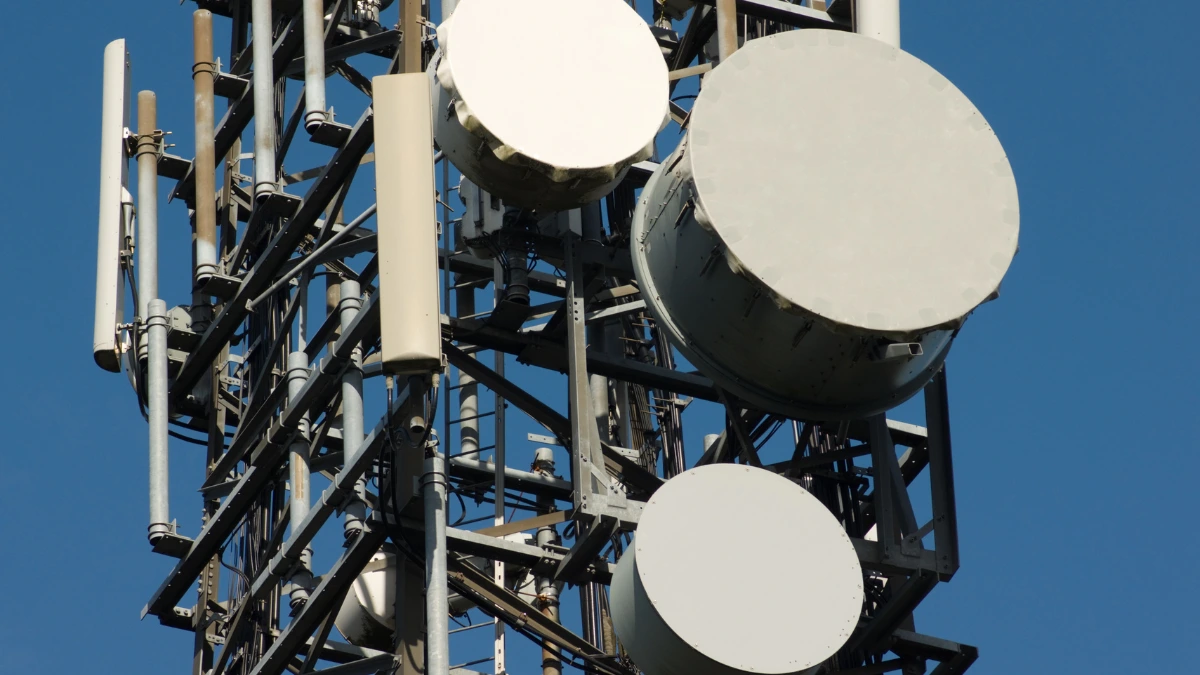
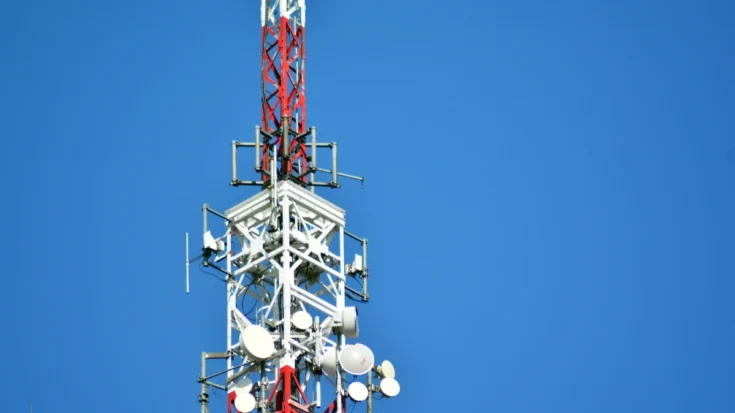
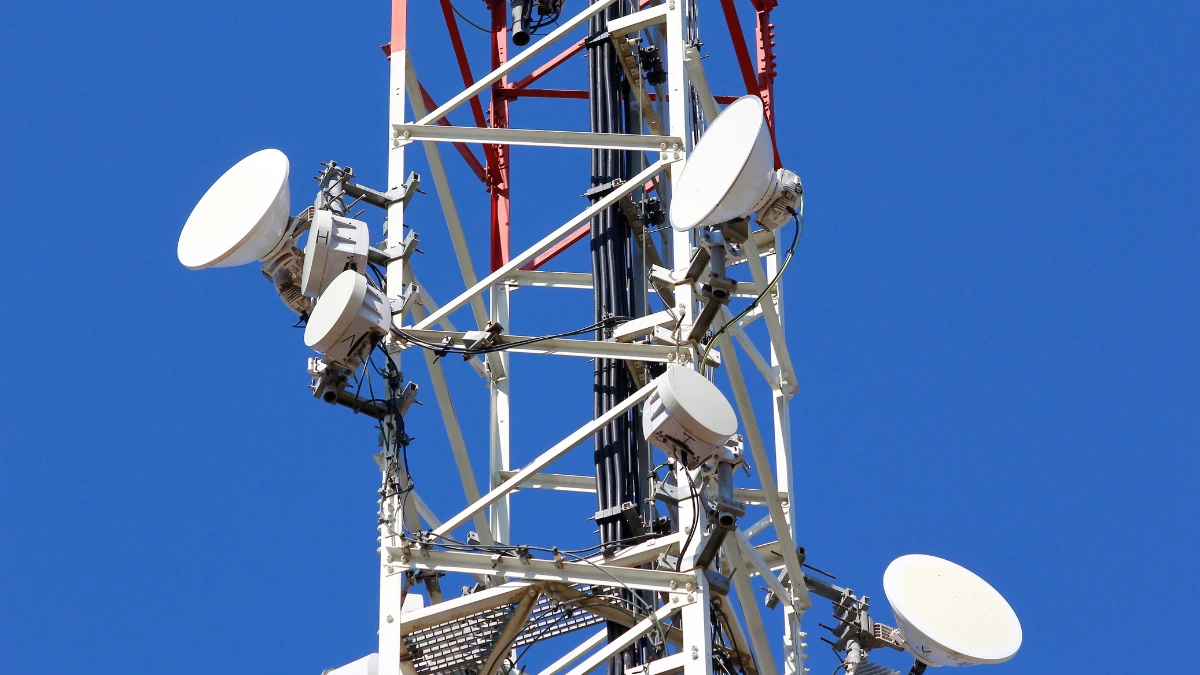
    If we walk around and see a Base Transceiver Station (BTS) tower and there is something like a drum, it can be called a Microwave Link.

    In this article, we will review more about Microwave Link, from its definition, workings, functions, and regulations in Indonesia.

    What is a Microwave Link?

    Simply put, a microwave link is a wireless communication system that uses microwaves to transmit information from one point to another.

    Microwaves are electromagnetic waves with shorter wavelengths than radio waves, so they have higher frequencies. The frequencies used typically range from 3 GHz to 300 GHz.

    This technology is commonly used in various communication applications, such as telecommunications, broadcast radio, and radar systems.

    The main advantage of microwave links is their ability to transmit data at high speeds and large capacities. In addition, due to their wireless nature, installation and maintenance are easier than with wired systems.

    Components

    Microwave Link Definition, How it Works, Function, and Regulations in Indonesia 2

    To understand how microwave links work, we need to discuss some of the main components involved in these systems:

    Transmitter

    A transmitter is a device that converts information (voice, video, data, etc.) into microwave signals. This process involves modulation, where information is encoded into the microwave signal by changing the amplitude, frequency, or phase of the signal.

    Antenna

    An antenna is a device that converts microwave signals into electromagnetic waves that are emitted into the air. Antennas also serve to receive electromagnetic waves reflected or received from other points in the system.

    Receiver

    A receiver is a device that converts the received microwave signal back into the original information. This process involves demodulation, where the microwave signal is decoded to retrieve the information contained in it.

    How it Works

    Microwave Link Definition, How it Works, Function, and Regulations in Indonesia 3

    The way microwave links work is quite simple. A transmitter sends microwave signals encoded with information through an antenna. These waves are then received by an antenna at another point in the system, and further decoded by the receiver to retrieve the original information sent.

    Along the way, the signal may experience attenuation or interference, so it is necessary to perform amplification and filtering processes to ensure the quality of the information received remains good.

    The Function

    The following are some of the main functions of microwave links in various applications:

    Telecommunication

    Microwave links are widely used in telecommunications systems to connect telephone, internet, and cable television networks. In this context, this system works as a link between the telecommunications center or cellular base station and the end user.

    Remote connection

    Microwave links can be used to provide internet connections or private networks in remote areas that are difficult to reach by cable infrastructure.

    Radar

    Radar is one of the main applications of microwaves. Radar systems use microwave links to send signals to targets and receive reflected signals to detect the target’s position, speed, and direction of movement.

    Supervision

    Surveillance systems that use cameras and sensors often utilize microwave links to transmit data from the monitoring point to a control center.

    Broadcast radio

    Radio stations use microwave links to send broadcast signals from studios to transmitters and antennas that broadcast the signals into the air.

    Regulations in Indonesia

    Microwave Link Definition, How it Works, Function, and Regulations in Indonesia 4

    Microwave links transmit data using high-frequency radio waves, so their deployment is subject to national telecommunications laws. In this regard, their operation is strictly regulated by the Ministry of Communications and Digital Affairs (KOMDIGI) through the Directorate General of Digital Infrastructure (DJID).

    Every microwave link device must meet the DJID Type Approval certification requirements. This certification is necessary to prevent frequency overlap and network interference. Devices undergo testing to ensure that frequency range, output power, bandwidth, and spurious emissions comply with established standards.

    Operating uncertified equipment or using frequencies without a license will result in penalties. DJID may impose administrative sanctions, seize equipment, and shut down networks. Compliance with these regulations is necessary to ensure long-term operational stability and lawful distribution in the Indonesian telecommunications market.

  • What is Zigbee Gateway? Learn How it Works, and its Function

    What is Zigbee Gateway? Learn How it Works, and its Function

    Zigbee gateway has emerged as an innovation that is one of the key components supporting communication between various smart devices in the smart home ecosystem.

    But are you familiar with Zigbee gateway? Let’s find out what the gateway actually is, how it works, and why it is so important.

    This article will answer questions related to Zigbee gateway and discuss the functions of this technology for your smart home ecosystem.

    What is Zigbee Gateway?

    What is Zigbee Gateway Let's Find Out The Meaning, How it Works, and its Function - Update 2

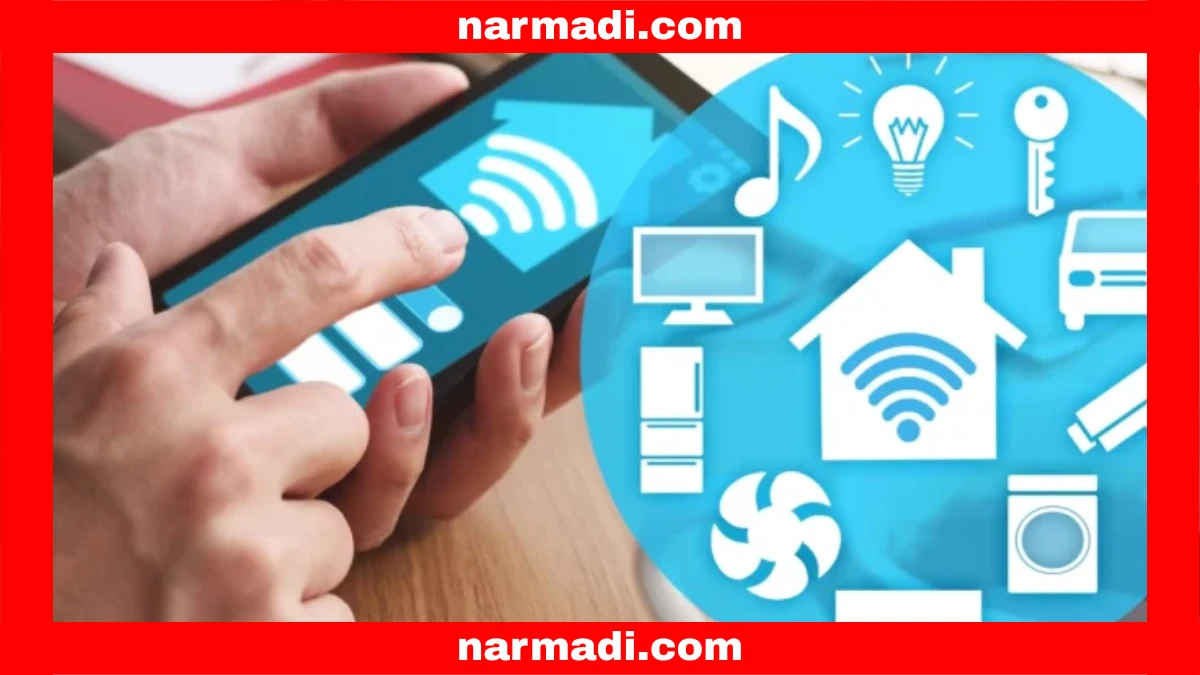
    A Zigbee gateway is a device that acts as a bridge between Zigbee-based smart devices and your home WiFi network. This technology functions as a hub that allows Zigbee devices, such as smart lights, temperature sensors, switches, and security devices, to communicate with each other.

    These devices can be connected to a smartphone app via the Zigbee gateway, allowing you to control them remotely.

    Zigbee itself is a wireless communication protocol specifically designed to support IoT (Internet of Things) devices with low data rates, low power consumption, and stable network coverage.

    The Zigbee protocol is translated by the gateway device into other communication protocols such as Wi-Fi and centralizes control for all connected Zigbee devices.

    How the Zigbee Gateway Works

    What is Zigbee Gateway Let's Find Out The Meaning, How it Works, and its Function - Update 3

    The Zigbee gateway works by connecting devices, synchronizing with applications, and forming a stable and efficient network. Here is a more detailed description of how it works:

    • Zigbee devices are connected: The gateway will detect Zigbee devices in your home and connect them to the network.
    • Synchronization with smartphone applications: Smart devices that are connected to the Zigbee network will be synchronized with the control application on your smartphone via WiFi or LAN.
    • Forming a mesh network: The gateway acts as the main control center that connects Zigbee devices to each other in a mesh network.
    • Data sent to the cloud: Data from Zigbee devices is sent by the gateway to the cloud. 
    • Remote control: After that, you can control Zigbee smart devices remotely via the app.

    The Functions

    What is Zigbee Gateway Let's Find Out The Meaning, How it Works, and its Function - Update 4

    Connecting to different networks

    The main function of a Zigbee gateway is to act as an intermediary to connect Zigbee to other networks. In this case, it connects Zigbee to a WiFi network and vice versa. 

    This allows devices that do not have a WiFi connection, such as door sensors or Zigbee lights, to connect to your smart home network. Without a gateway, Zigbee devices that are not connected to WiFi cannot be connected and controlled from a single application on a smartphone. You might like to read the different between Zigbee and LoraWan on our previous article.

    Centralized control

    As we already know, the gateway acts as a central hub. This means that all Zigbee devices can be managed from a single smartphone app. Through the app, you can control, schedule, or monitor the status of smart devices. All of this can be done in real-time, even when you are away from home.

    Forming a mesh network

    The Zigbee gateway works by forming a mesh network. This network allows devices to connect to each other and strengthen each other’s signals. This improves signal coverage and connection stability. 

    This network is ideal for large homes or homes with many rooms. This is because devices will pick up signals from nearby devices when a device’s connection is lost.

    Connecting to virtual assistants

    In addition to acting as a bridge between WiFi networks and Zigbee devices, the gateway also functions as a bridge between devices and voice assistants such as Alexa, Google Assistant, or Siri. This allows you to control smart devices with just voice commands. 

    You can also create complex automation scenarios, for example, by commanding “Turn off all lights when I go to sleep and set the AC temperature to 18 degrees.” The lights will automatically turn off, and the AC will turn on at the temperature you requested without the need for manual control.

    Storing automation locally

    Another function of this gateway device is to perform automation locally. This function is not yet available on all devices, but it is available on some of the latest devices. With local scenario automation, commands will continue to run even if the internet connection is down.

    This is certainly very useful, especially when you are experiencing internet problems. The stored automation can run as it should until you can reconnect to the internet. 

    How to Choose for Smart Home Devices

    To choose your Zigbee gateway, you need to consider several things to get the best performance. Here are the factors to consider:

    • Choose a wired gateway: Ethernet cable networks are generally more stable.
    • Make sure the gateway is compatible: Choose a gateway that is compatible with the smart devices you use.
    • Choose a large capacity: This is to accommodate future expansion.
    • Choose one with Power over Ethernet (PoE): To keep your smart home online during power outages.
    • Ensure Zigbee is standardized: Zigbee Home Automation (ZHA) standard and IEEE 802.15.4 radio specifications.

    That is the definition of a Zigbee Gateway, how it works, and its functions. Now you can consider this technology as an option for those of you who want to build a smart home ecosystem with many IoT devices.

    You need to choose a wired gateway that is compatible with other devices, has a large capacity, and is PoE-enabled. That way, you will get a gateway with optimal performance.

    In addition, make sure that the gateway is ZHA standard, IEEE 802.15.4, and RF certified. These certifications will ensure that your device meets the standards and is safe to use. [UN]